Viewing Gateway projects in the Results Portal
Welcome to Dradis! You've been given access to the Results Portal so that you can see the results of your project.
Let's get started:
To log in, browse to
https://< your dradis vm>/contributors/loginon the Dradis instance. Enter your email. If your email is registered to an active contributor account, a one-time token will be sent in a link to that email address.Use that link in your email to access the Results Portal. The token is only valid for 5 minutes, so if it expires before you have logged in, enter your email again to have a new token sent.
-
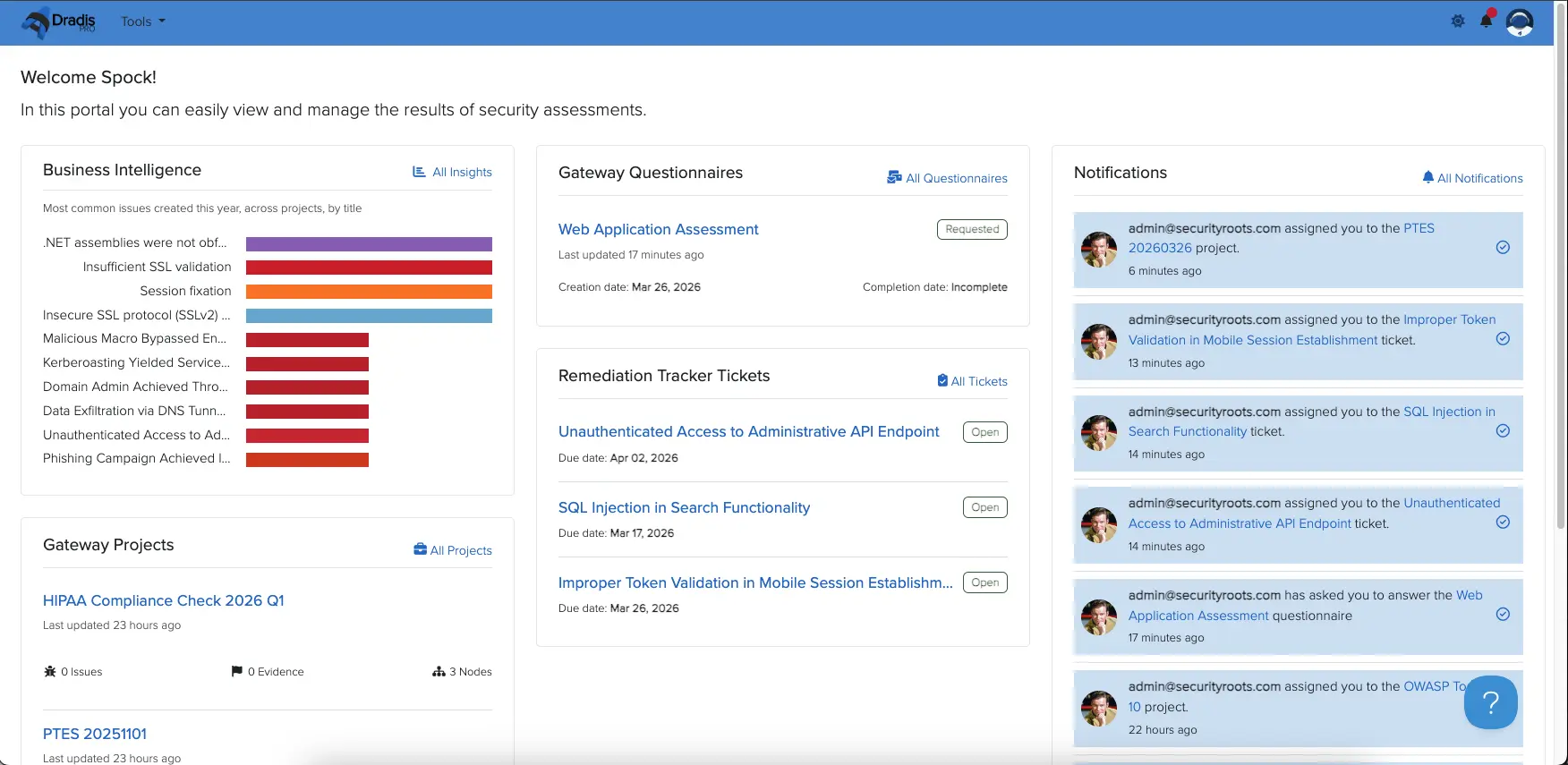
From the dashboard, you will see an at-a-glance summary of all of the Gateway-enabled projects you have access to. Click Gateway Projects to view them:
-
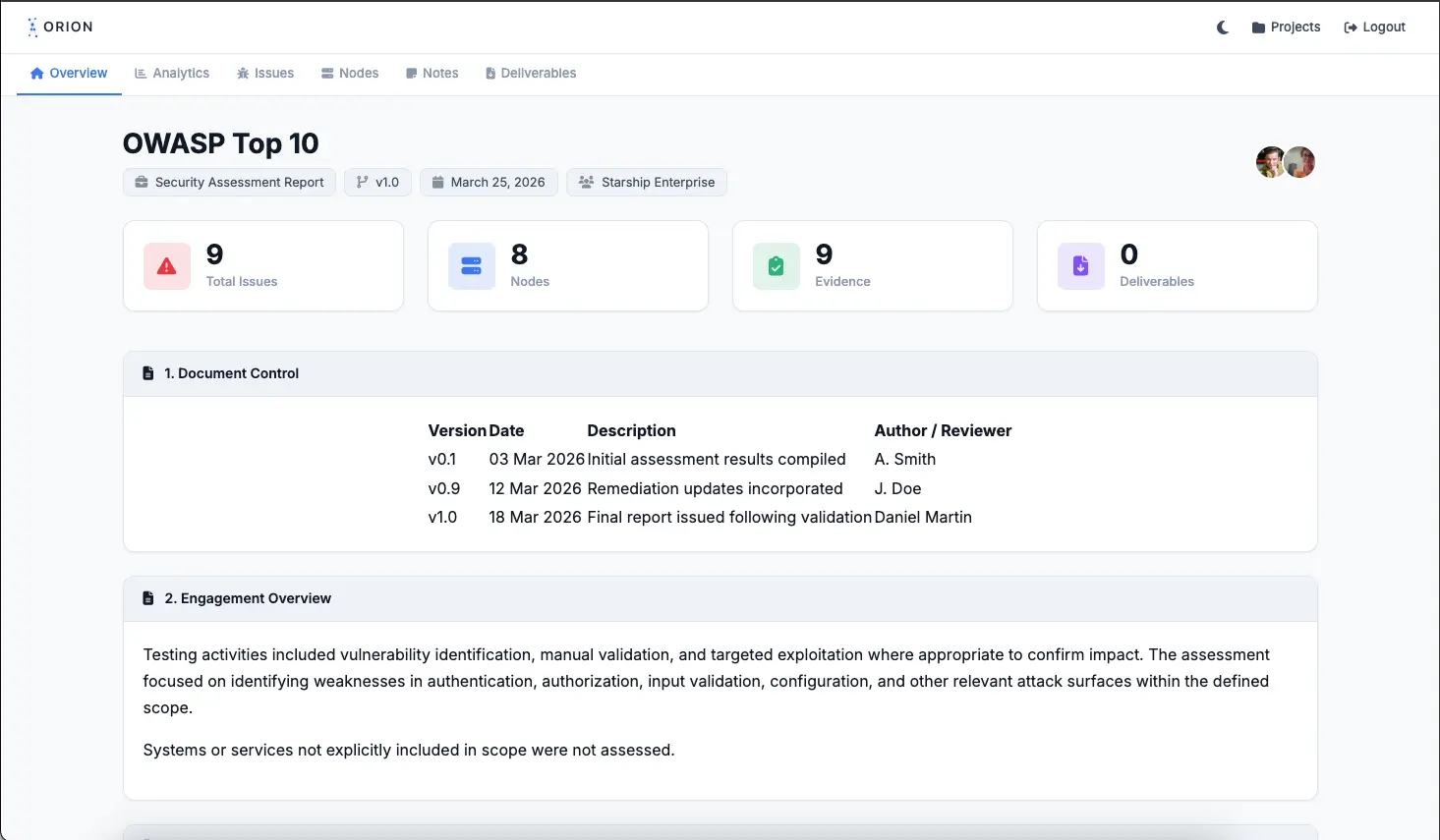
Select the project you want to view, and you'll be able to click through different parts of your project:
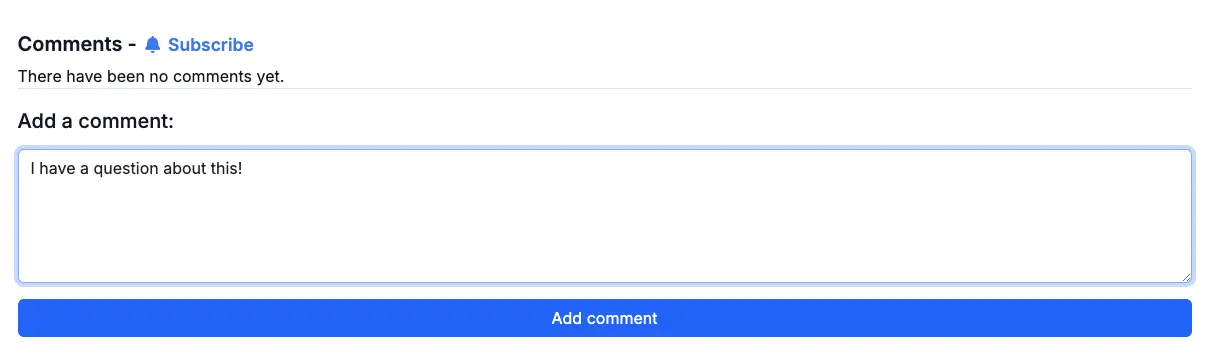
You can also comment on items as a contributor:
Next help article: The Remediation Tracker in the Results Portal →