Seed data
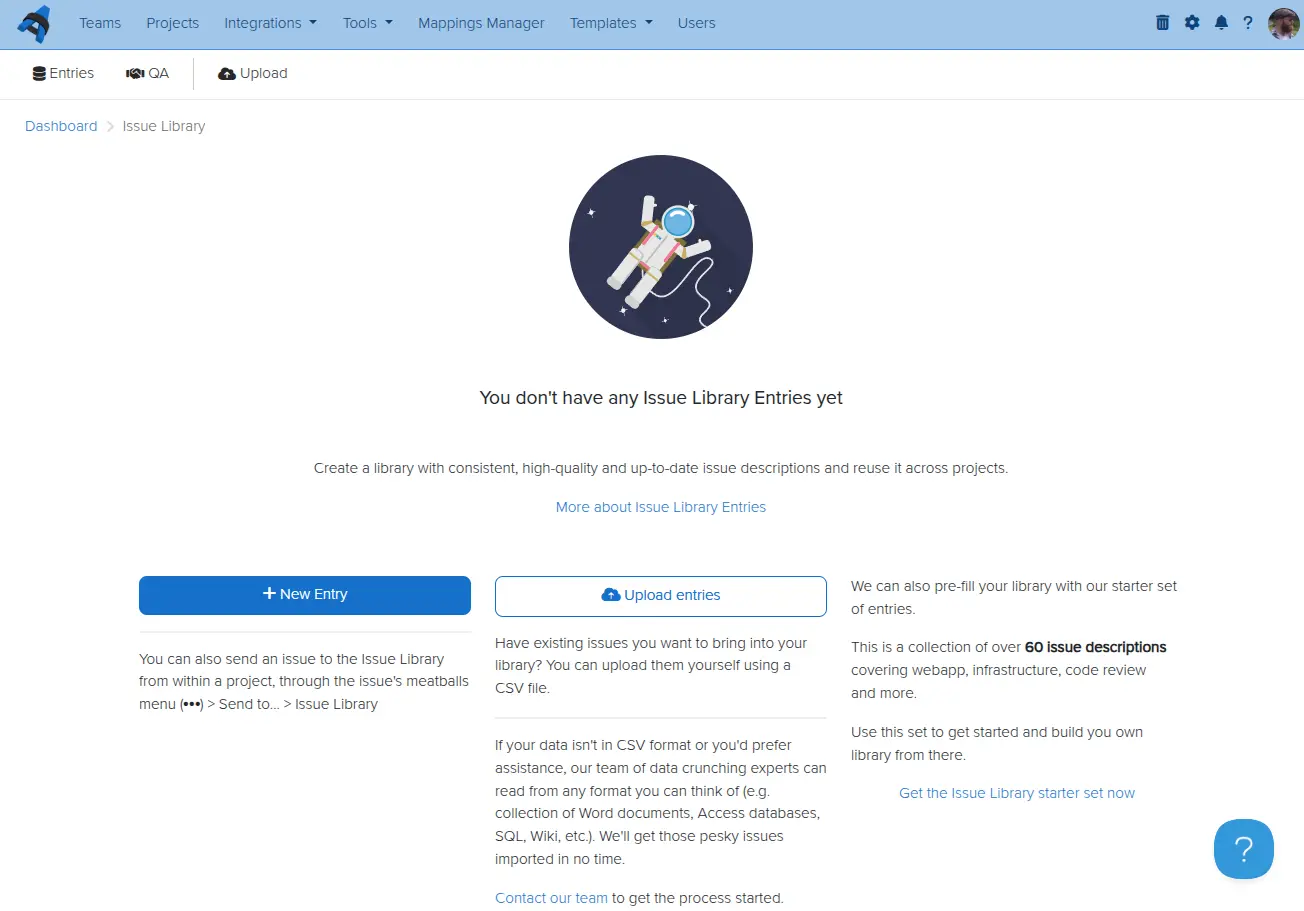
When you install your IssueLibrary you can jump start your library with over 60 entries. The entries cover web applications, infrastructure, Citrix, code review, and more and should give you a solid baseline so that you can start building your own library. Simply click the Get the Issue Library starter set now link to the bottom right of the IssueLibrary dashboard when it's empty.
CSV upload
You can also upload your own CSV files containing your own issue descriptions you want bulk-uploaded to your IssueLibrary. Each column can have its own field. The only firm requirement is that you need a Title column. Click the Upload entries button and upload your CSV file.
Concierge Import
Already have your own library of vulnerabilities somewhere else and you can't convert it to CSV for self-service bulk upload? No problem! Contact our support team and send us the file. Our spreadsheet experts will take it from there and help you get your existing vulnerabilities imported into the Dradis Pro IssueLibrary.
Next help article: Add an Issue to the IssueLibrary →