Pentest collaboration tool that keeps your team aligned

Effective collaboration is key to delivering high-quality pentest results. When findings and evidence live in separate tools, teams lose time to rework, conflicts, and status-chasing.

Dradis gives your team a shared workspace with structured findings, change tracking, and built-in review - so everyone stays aligned throughout the engagement and the final deliverable is consistent.
Stop losing time to scattered evidence and status chasing

Stop losing time to duplicated notes, scattered evidence, and “who has the latest?” confusion. Dradis keeps findings, evidence, and project context in a single workspace so everyone stays aligned as the engagement evolves.

  • Centralize findings, evidence, and notes so the whole team works from the same dataset.
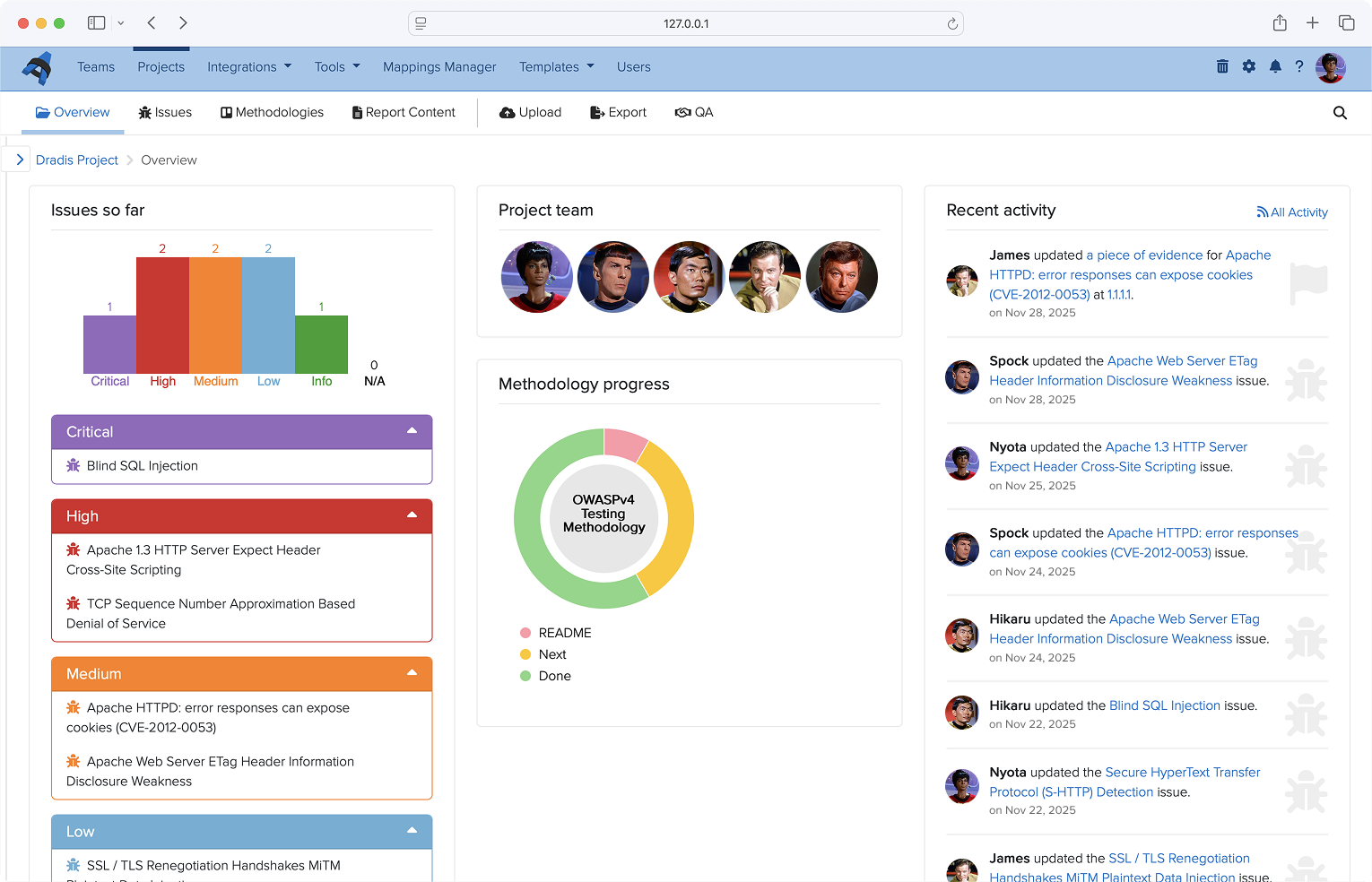
  • See progress across issues, methodology, and deliverables at a glance - no manual status chasing.
  • Reduce rework by keeping changes visible and immediately available to the right people.
Screenshot of project overview
Loading...
GET A DEMO: Question 1 of 4

What matters most to you when your team is working on the same engagement?

Real time update visibility
No duplicated work or overwrites
Notes and findings in one place
Data sovereignty and self-hosting
GET A DEMO: Question 2 of 4

How are you managing pentest work right now?

A tool we have built ourselves
A cloud-based platform
An open source solution
Shared docs and spreadsheets
GET A DEMO: Question 3 of 4

How many people typically work on your engagements?

Just me
2-5 people
6-15 people
16+
GET A DEMO: Question 4 of 4

When it comes to adopting a tool like this, what's your situation?

I can make the call myself
I'd need buy-in from a manager or director
It would go through a formal procurement process
Just researching for now

It looks like Dradis could be a good fit for your team. Here's what to do next.

Book a 15-minute discovery call

We'll make sure Dradis is the right fit and get to know your workflow before putting together a full demo tailored to how your team works.

Looks like Dradis Assess is a great fit for you.

Here are the best next steps for getting started on your own.

See it in action

Watch a pre-recorded walkthrough of Dradis at your own pace.

Watch the demo

Try it free for 30 days

Start a trial with no obligation. Our 30-day guarantee means you can get a full refund if it is not the right fit.

See the guarantee

Ready to get started?

No sales call required. Pick a plan and get set up today.

View pricing

You're booked in

Pick a time below and we'll speak soon.

Review changes faster and protect report quality

Dradis includes built-in review workflows so your team can collaborate freely while still producing a clean, consistent deliverable.

  • Mark findings as reviewed/approved before they’re included in final outputs.
  • Compare versions with a line-by-line diff to spot changes instantly.
  • Reduce last-minute report edits by catching issues earlier in the workflow.
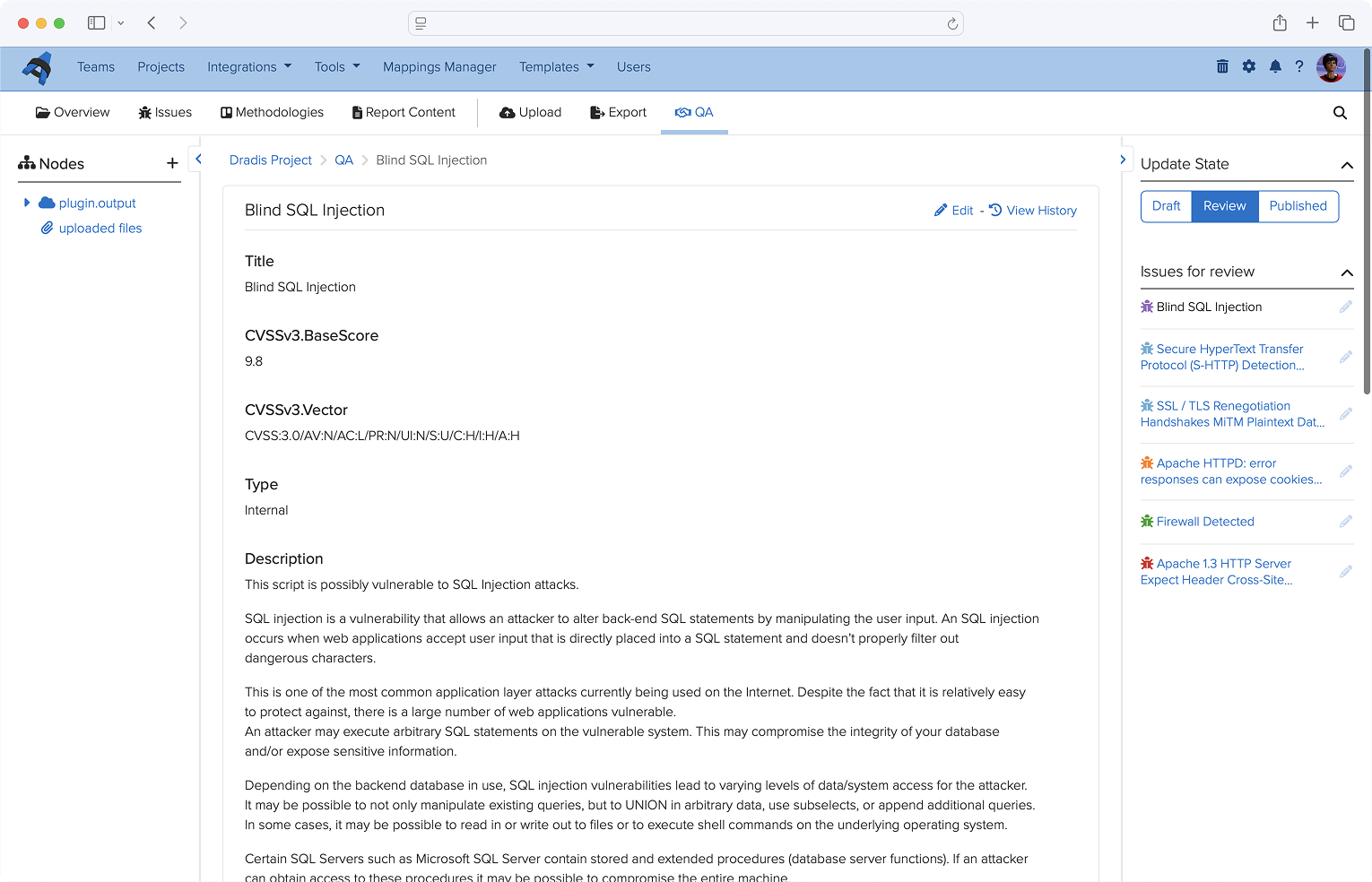
Screenshot of the Quality Assurance view

Maintain accountability with a complete activity trail

When multiple people touch the same findings, visibility matters. Dradis automatically tracks activity so you can understand what changed, when it changed, and who changed it, without manual logging.

  • See timestamps and history for changes across the project.
  • Make handoffs smoother with clear context and ownership.
  • Resolve conflicts quickly and ensure everyone is working with the latest version.
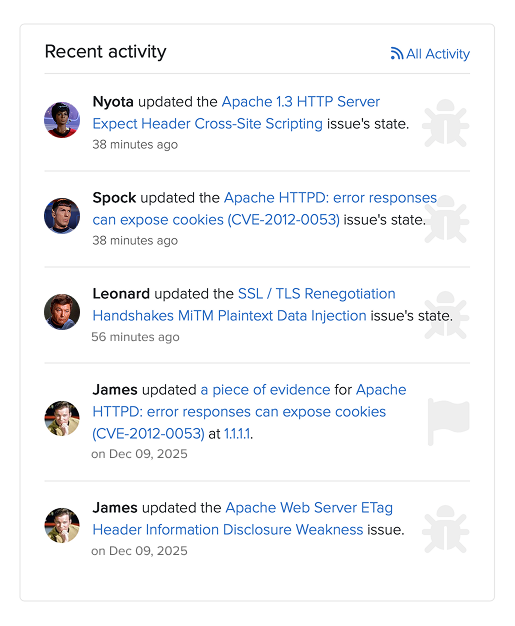
The Recent activity tab and the Activity Feed show recent updates made by all team members

Keep the team moving, even when connectivity doesn’t

On-site work, travel, segmented networks - pentests don’t always happen with stable internet. Dradis helps your team stay productive and keeps changes safe until you’re ready to sync.

  • Import/export projects to work offline and sync updates when you reconnect.
  • Get warnings when someone modifies content you’re working on to avoid collisions.
  • Maintain momentum without risking lost work or conflicting edits.
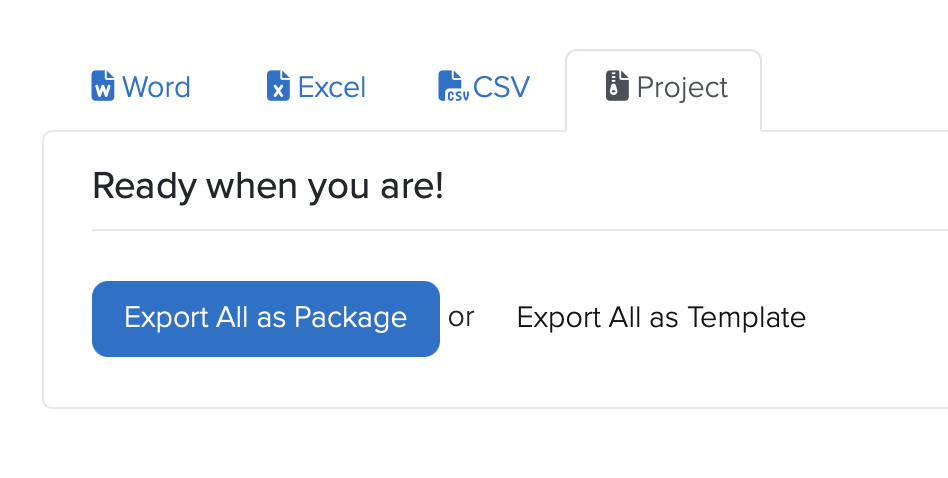
View showing the export option available to take the project offline