Business Intelligence in the Results Portal
The Results Portal provides a summary of Business Intelligence Dashboard data to which the user has access.
Simply click the All Insights button in the Business Intelligence widget on the dashboard to view the BI data.
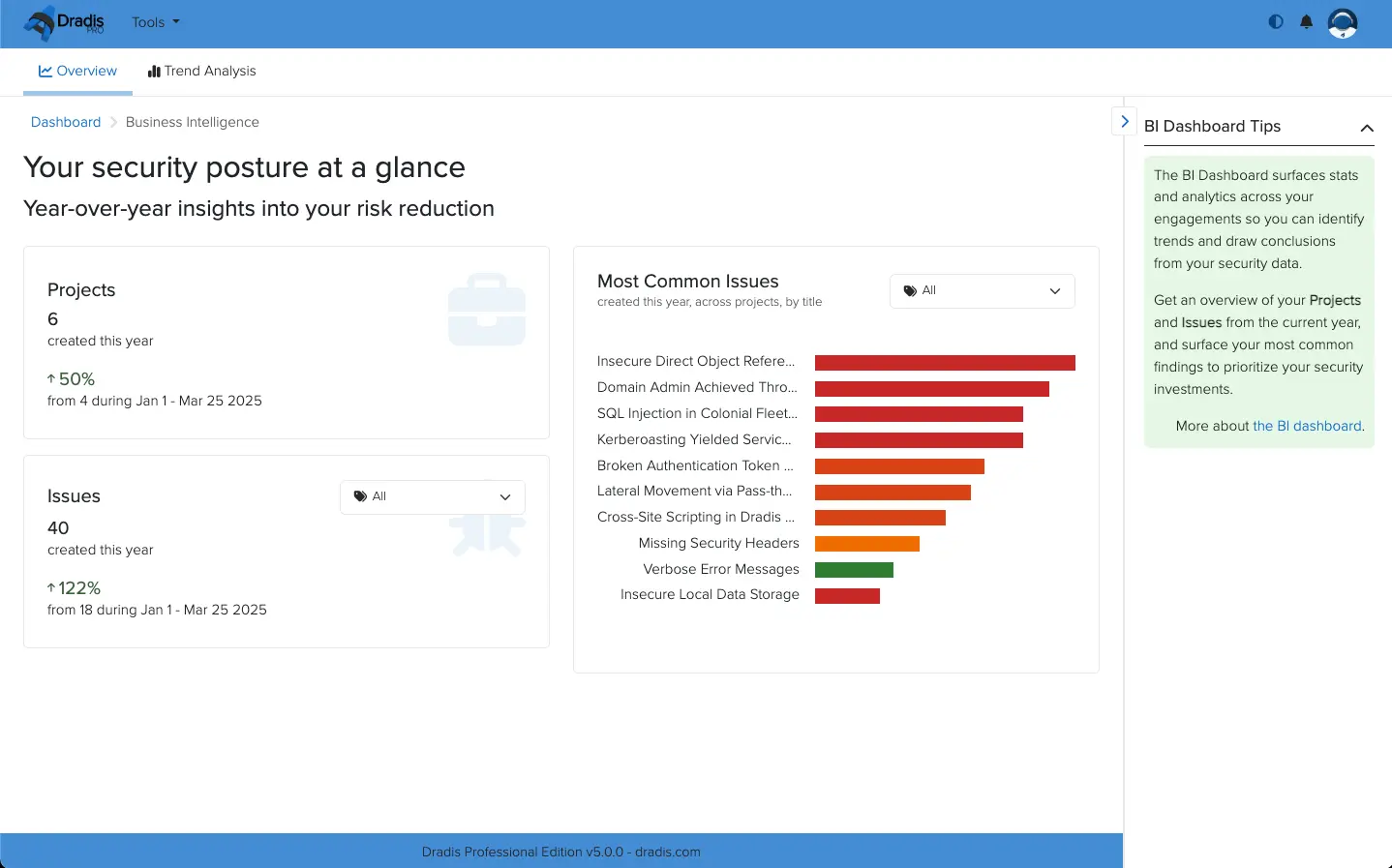
Here you can see Projects and Issues that have been created over the past year. In the case of Issues, they can also be filtered by tag.
You can also view the most common issues found across your projects - again they can be filtered by tag.
You also have access to Trend Analysis for comparing projects.
Next help article: Viewing Gateway projects in the Results Portal →