
Pentest report templates and testing checklists

Free PTES, OWASP, HIPAA and OSCP report templates, with what each one contains side by side.

A new service line needs a testing checklist and a report template before the first delivery. The free PTES, OWASP Testing Guide v4 and HIPAA packages below each give you both, plus a sample project to export. The OSCP package, for the exam, has the report template and a sample project but no testing checklist.

Dradis fills each template from the findings in your project. In the list below, the four templates are on these cards: OSCP under Report Templates, PTES Technical Guidelines and OWASP Testing Guide v4 under Testing Methodologies, and HIPAA Compliance Audit Protocol under Kits. The other cards are testing checklists, or themes for Gateway, the portal your clients log in to. Compare the four templates

Studying for the OSCP or testing on your own? Download a free package and use it with Dradis CE.

Last updated by Daniel Martin on 2026-10-09

Kits

HIPAA Compliance Audit Protocol
Kit Pro CE

Analyze processes, controls, and policies of selected covered entities pursuant to the HITECH Act audit mandate with this compliance pack.

Report Templates
Offensive Security Certified Professional (OSCP) Report
Report Template Pro CE

Ready to try harder? Use this OSCP report template to lock in those crucial points with your OSCP report.

Testing Methodologies
OWASP AI
Testing Methodology Pro CE

Follow the OWASP AI Testing Guide.

OSSTMM v3
Testing Methodology Pro

Follow the Open Source Security Testing Methodology Manual.

OWASP Testing Guide v4
Testing Methodology Pro CE

The OWASP Web Security Testing Guide (WSTG) is a comprehensive guide for testing the security of web applications and services.

OWASP Top 10:2025
Testing Methodology Pro CE

Follow the Open Source Security Testing Methodology Manual.
PTES Technical Guidelines
Testing Methodology Pro CE

The Penetration Testing Execution Standard (PTES) compliance package covers the four phases of testing in the PTES standard.

Methodology for Information Security Examination with Audit Value (MIAUW)
Testing Methodology Pro CE

An open-source pen testing methodology that delivers auditable, repeatable, and transparent results for NIS2 and Cyber Resilience Act compliance.
SANS SWAT Checklist
Testing Methodology Pro

The SWAT Checklist from SANS Securing the App is meant to be the first step toward building a base of secure knowledge around web application security.
Web Application Hacker's Handbook Checklist
Testing Methodology Pro

Straight from the webapp security bible, this is a checklist of the tasks you typically need to perform when carrying out a comprehensive attack against a web application.

Gateway Themes
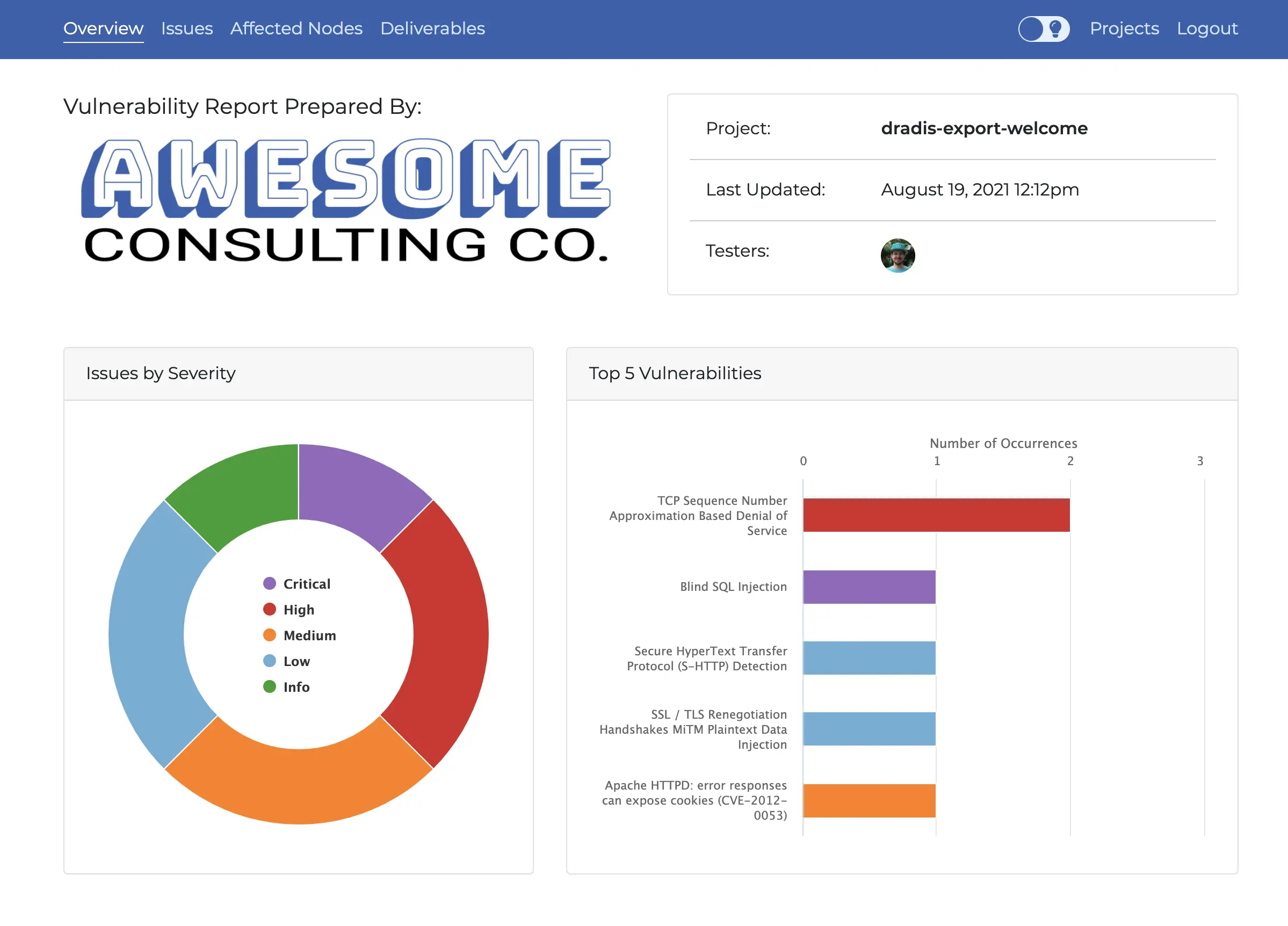
Atlantia Theme
Gateway Theme Pro

A complete theme that comes with multiple tabs, charts, and light/dark mode.
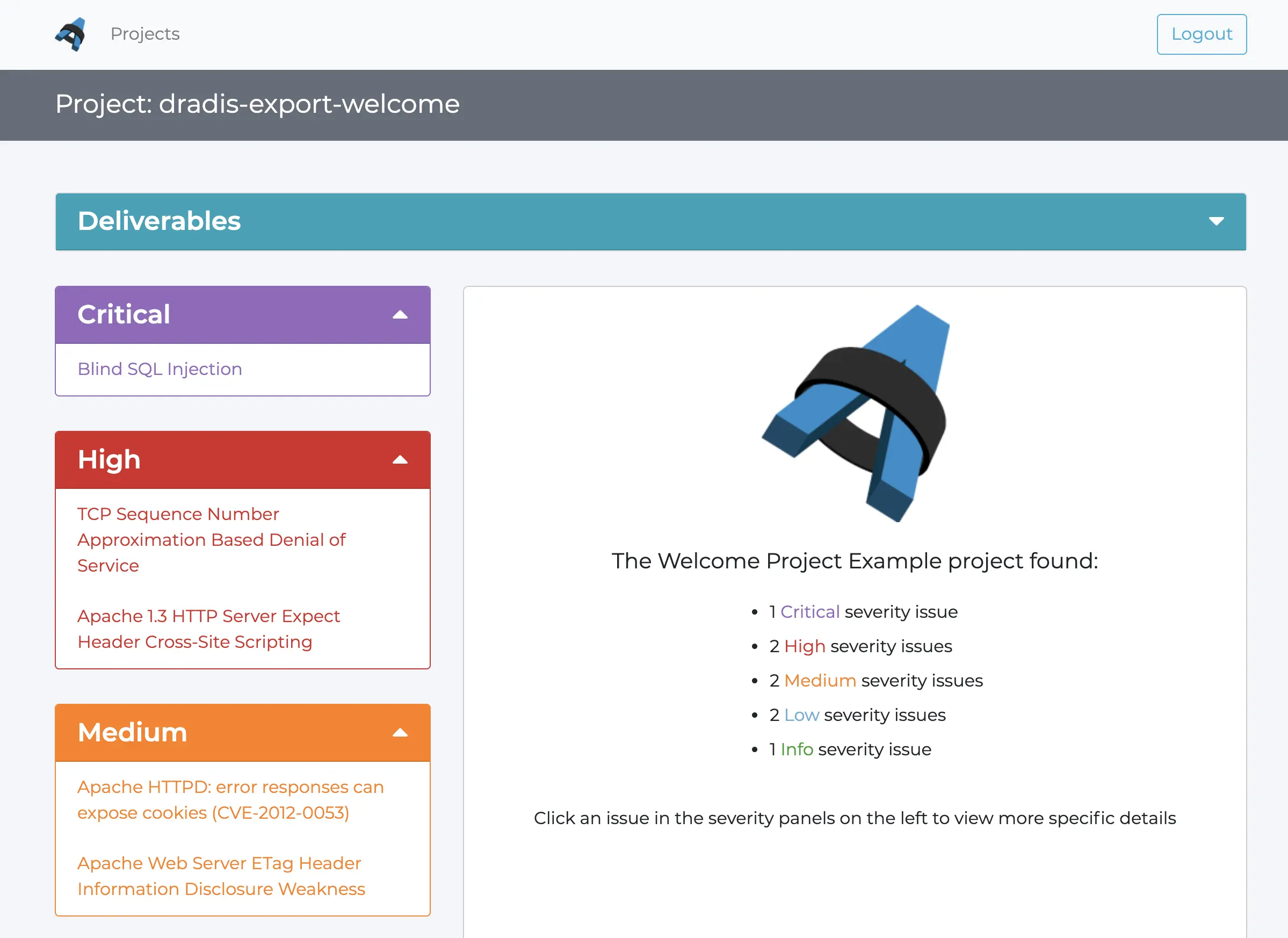
Ares Theme
Gateway Theme Pro

A bare-bones theme with just the basics to get you started with themes.
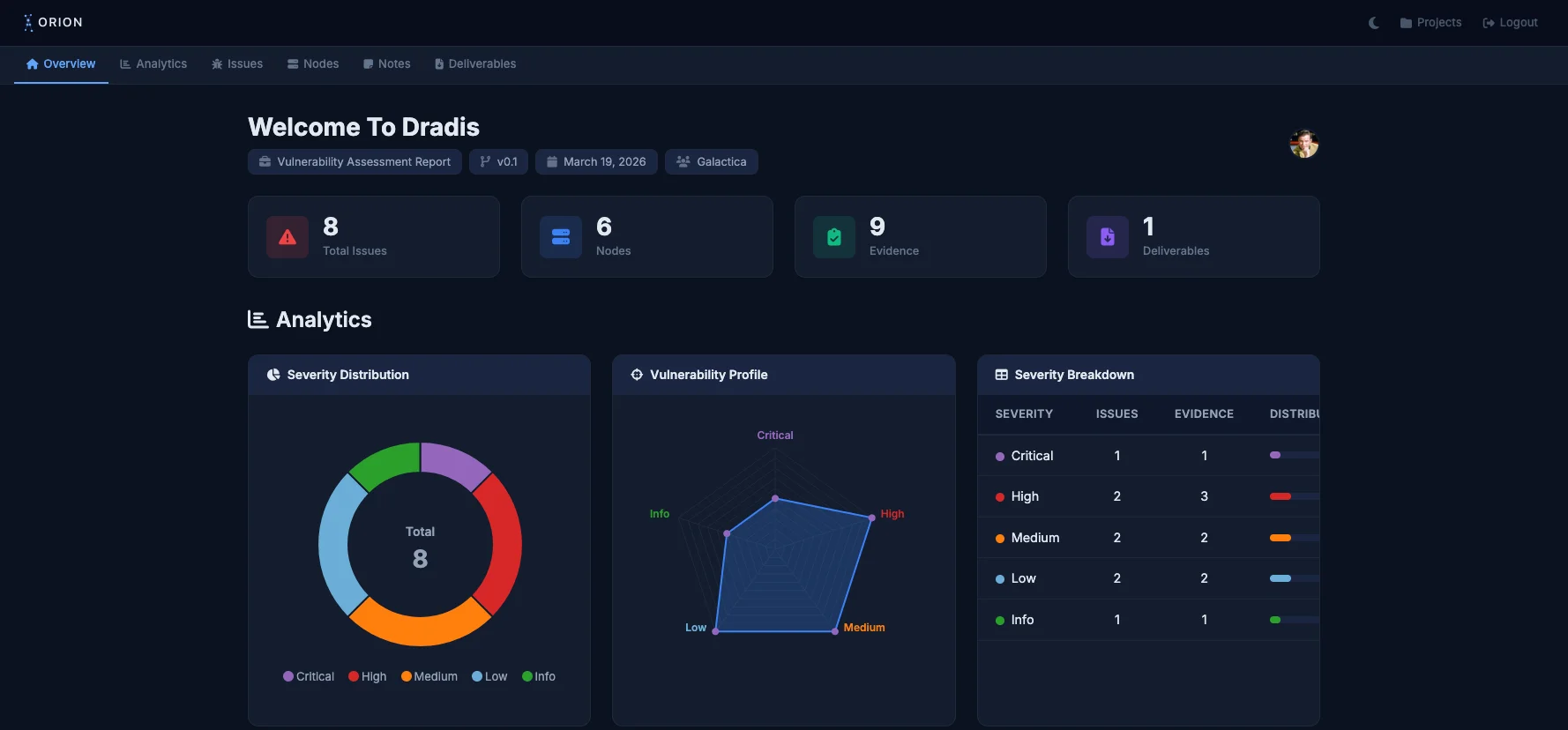
Orion Theme
Gateway Theme Pro

A single-page dashboard theme with dark mode, deep linking, and heavy data visualization.
Athena Theme
Gateway Theme Pro

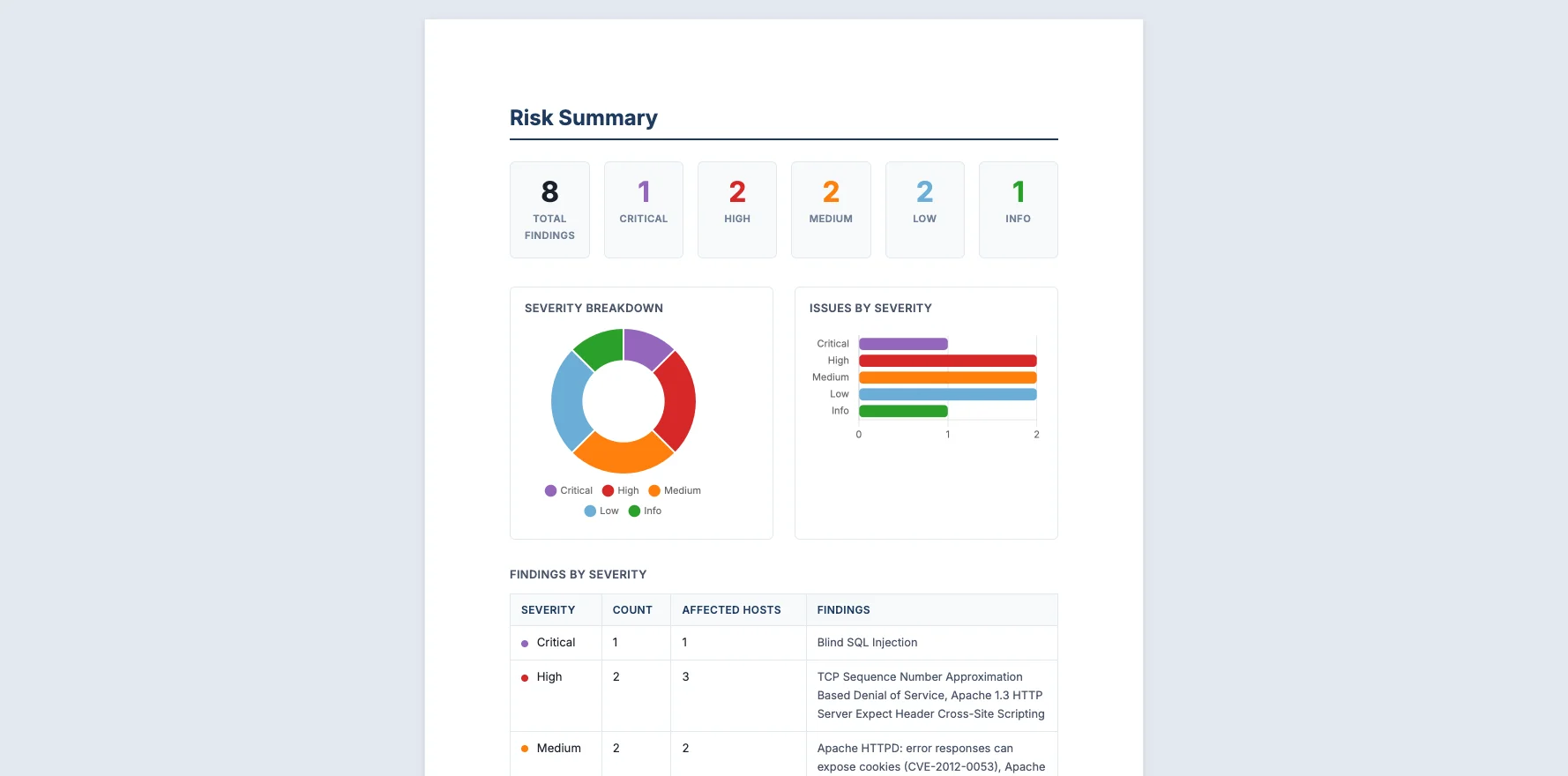
A polished, report-style theme with a cover page and one-click PDF export.

Shazbot! No templates match your search.

What's in each pentest report template

The sections and fields below come from each package's free HTML template, and the summary column also covers the Pro Word template, so you can check them against what your client expects before you download anything.

Template Use it for Report sections (free HTML template) Executive summary What each entry records
PTES Client pentests run to the PTES technical guidelines Introduction, intelligence gathering (passive, active, corporate, personnel), vulnerability assessment, exploitation, post exploitation, risk and exposure In the Pro Word template only For each finding: rating, description, targets, timeline, attack details, access level, remediation, business risk, countermeasures, likelihood, impact and risk
OWASP Testing Guide v4 Web application tests Failed tests, detailed findings, and an appendix listing every test with its status In the Pro Word template only, with a chart of tests by status For each test: title, OWASP control, summary, status, references and evidence for each host
HIPAA Healthcare audits against the HIPAA audit protocol One section for each protocol area, from the security management process to transmission security and the privacy rules Not in either edition For each audit note: title, description and a type that sets its section
OSCP OSCP exam and lab reports Tester details, methodology (information gathering, service enumeration, penetration by system, maintaining access, cleanup), additional items In both editions: a high-level summary with recommendations For each finding: title, severity, explanation and fix, with proof and a screenshot for each system

The PTES template follows the technical report section of the PTES reporting guideline without the closing conclusion, and the OSCP template follows the layout of OffSec's OSCP sample report.

The free PTES, OWASP and HIPAA templates have no summary. To add one, put a summary note in the project and a section in the template that prints it, as the OSCP template does. The summary then comes out in every export, and you never retype it.


Try a template on the sample project

Every package includes a sample project. Import it into Dradis, export it with the package's template, and you see exactly what that template produces, filled with sample findings. For what each section of a full report should say, see our guide to writing a security report.


Is there a pentest report template in Word?

Yes, but not a blank one you fill in by hand. Each Dradis Pro package has a Word template that Dradis Pro fills from your project, and Pro customers download it from the customer portal. The free Community Edition packages carry an HTML template instead, and Dradis CE exports the report as HTML, PDF or CSV.


When your client sends their own format

Banks and government clients often send the format they want the report in, and a team with several of them keeps a template for each. In Dradis, findings live in fields, separate from the layout. When a new client sends a format, the project gets one more template, and the findings you already record fill it. If the format asks for a field you don't record yet, you add that field once.

The hard part is building a template that matches the client's document. On every paid Dradis plan we build it for you and keep it up to date: send us the report you deliver today and we send back the template. Talk to us first and you get an answer on what the template will match exactly and what needs a Word macro, before you decide anything. When you subscribe, the 30-day money-back guarantee starts when your template is ready, so you judge Dradis on real engagements.

A template keeps the structure of every report the same. The wording of each finding comes from your testers, or from the shared Issue Library in Dradis Pro. See how the Dradis report engine handles templates, Word output and QA.


Try Dradis with your team

Running a team of three or more testers? Try Dradis Pro free for 14 days on your own servers, with no seat limit and sample templates for infrastructure, web app and red team assessments. We build your own template when you subscribe.

Request a 14-day trial

Seven Strategies To Differentiate Your Cybersecurity Consultancy

You don't need to reinvent the wheel to stand out from other cybersecurity consultancies. Often, it's about doing the simple things better, and clearly communicating what sets you apart.

  • Tell your story better
  • Improve your testimonials and case studies
  • Build strategic partnerships

Loading form...

Your email is kept private. We don't do the spam thing.