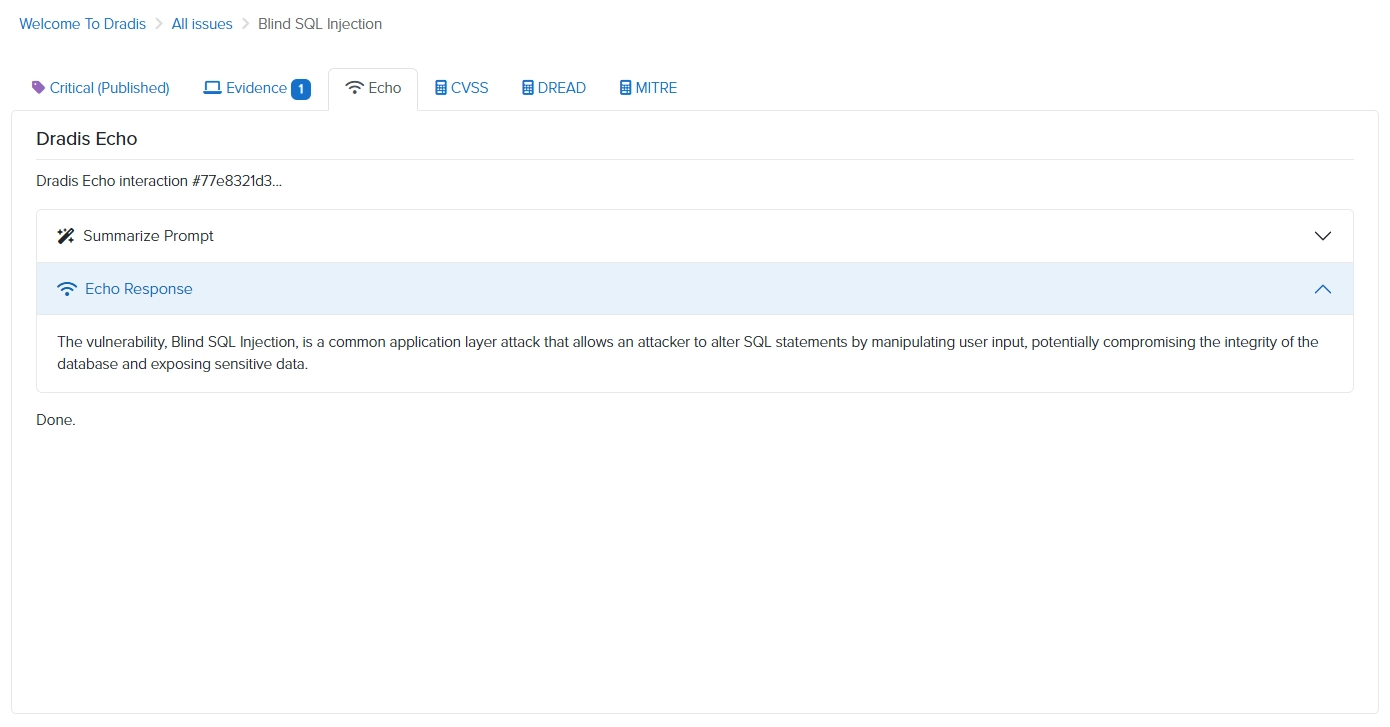
Echo surfaces prompts directly inside Dradis - trigger a suggestion, review it, save. No separate tool, no copy-pasting, no finding data leaving your network.
Most AI writing tools send your text to a third-party API. For pentest findings, that is a non-starter.
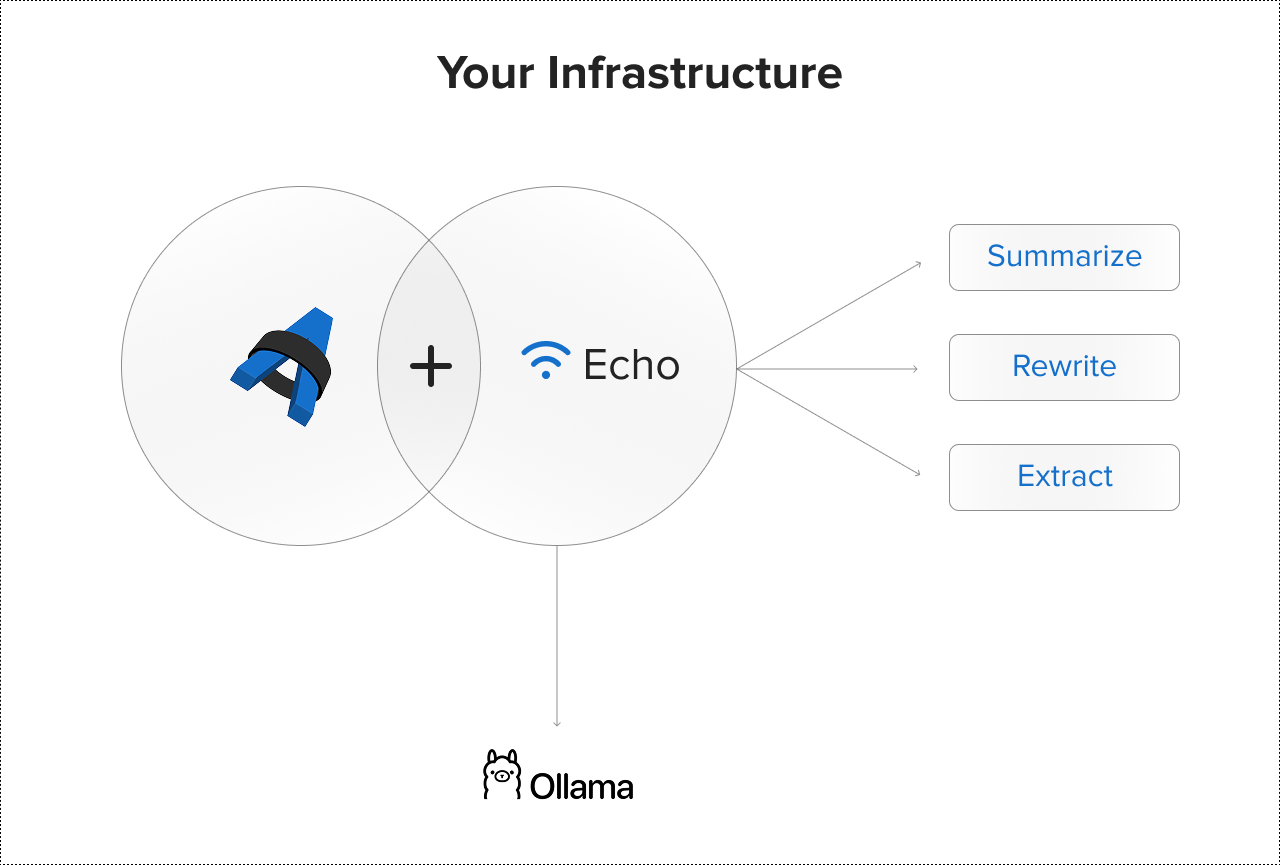
Echo runs on your own infrastructure. Prompts surface directly inside Dradis, processed locally via Ollama. Your findings never leave the network. No external API calls, no third-party data handling, no data residency risk.
You are also not locked into one model. Echo's BYOLLM approach means you choose which LLM to run locally and switch as better options become available, without changing your Dradis setup or sending data anywhere new.
Available for on-premise deployment for compliance, regulatory, or clearance requirements.
Read the full architecture deep dive: how Echo runs AI-assisted reporting without sending data to the cloud. No more shadow AI.
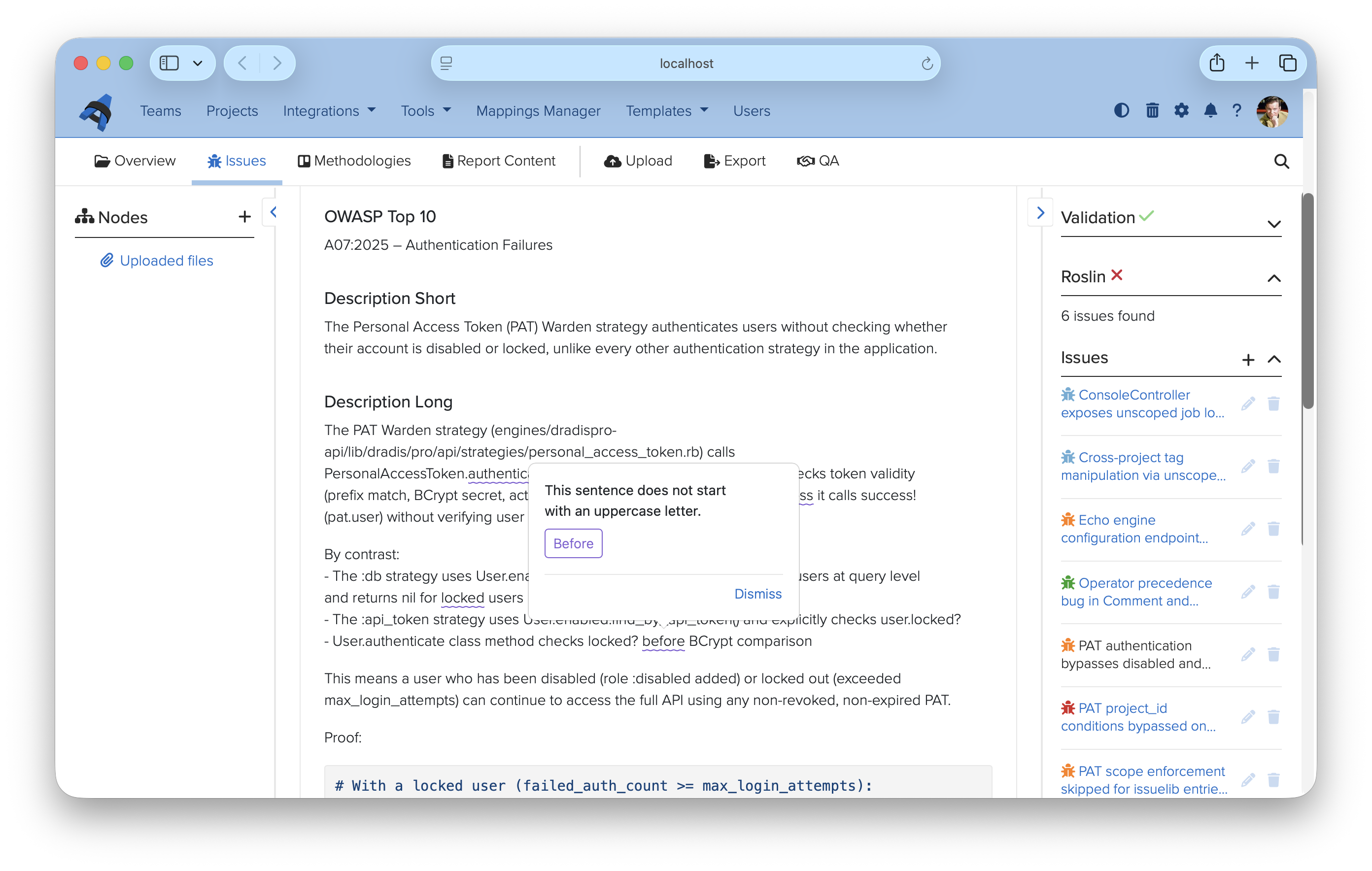
Our asistant, Roslin, generates contextual suggestions directly in Dradis:
Roslin understands your finding's, your project, and context. Review the suggestion, edit as needed, and save.
Without leaving your workflow, writing custom code, or leaking confidential information.
Echo adapts to your writing standards and client expectations. Create context-driven prompts to:
Echo speeds up reporting, but you stay in control:
Combined with built-in Quality Assurance to deliver consistent results. Expertise that compounds.
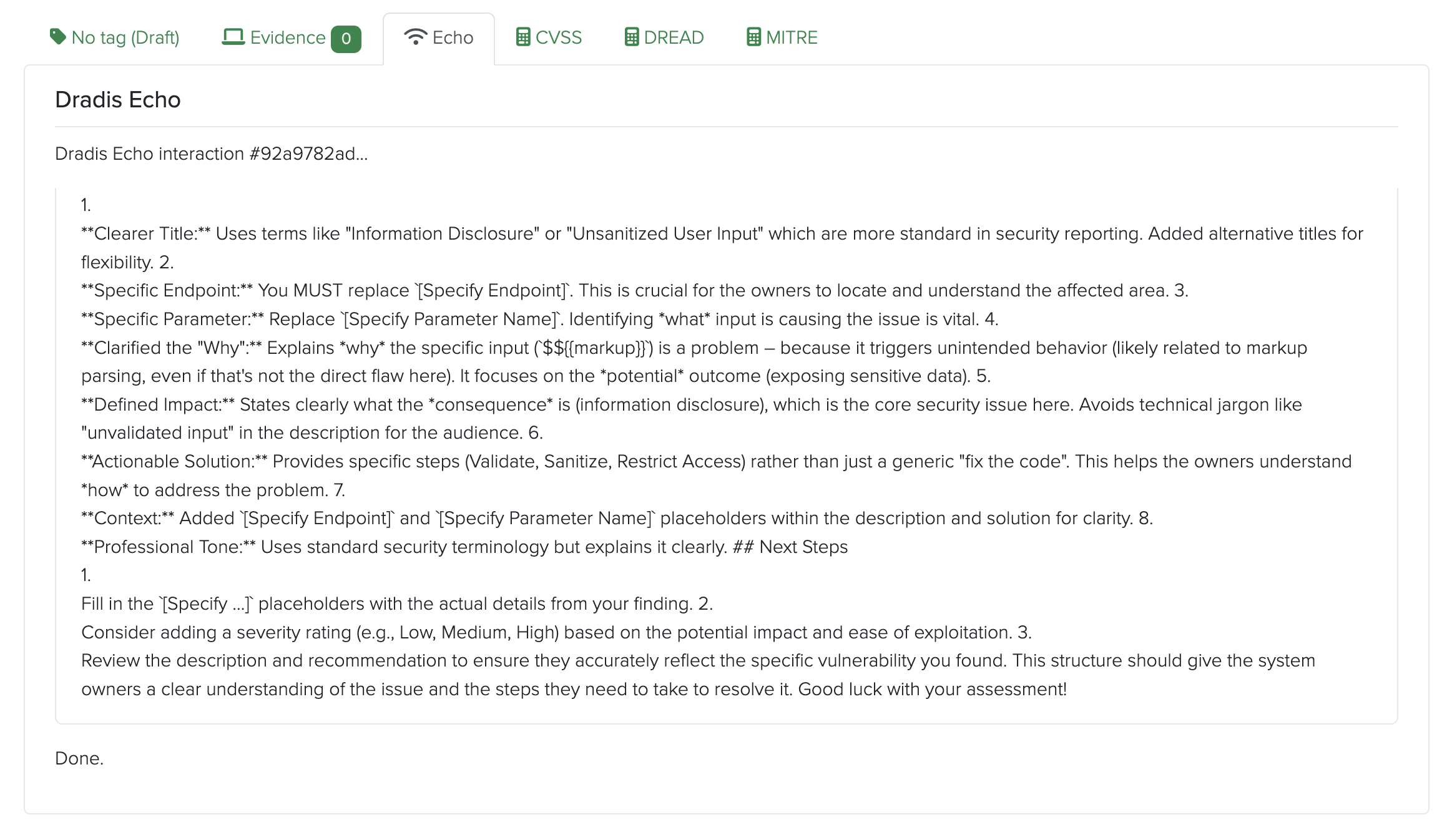
Turn raw scanner output or tester notes into polished executive summaries in seconds. Echo understands context and delivers relevant suggestions.
Expand brief remediation steps into detailed, client-ready guidance. Echo contextualizes your findings and fills in the details.
Generate technical versions for development teams and executive summaries for leadership - all from the same finding data.
Have Echo pull out CVSS scores, affected systems, or business impact from verbose notes, speeding up metadata entry.
Configure Echo prompts to use your approved severity levels, remediation language, and terminology - ensuring consistency across all reports.
Choose your LLM via Ollama and switch anytime. Echo works with any compatible model - you own the prompts, the data, and the workflow. The intelligence stays yours and compounds over time.
Echo prompts run with full awareness of where you are in Dradis and what you are working on. That context is what separates a useful suggestion from a generic one.
Local processing via Ollama is typically fast for finding summaries and rewrites. Latency depends on your server hardware and the processing model you choose.
Echo works with any LLM available on Ollama, including Llama 2, Mistral, Neural Chat, and others. BYOLLM: Bring Your Own LLM - choose the model that best fits your performance and quality needs, and switch anytime without changing your Dradis setup. The intelligence stays yours.
No. Dradis Echo works with all the frontier providers: Anthropic, OpenAI, Gemini.
Echo is a productivity tool that speeds up writing and improves consistency - not a decision-maker. All suggestions require human review before saving. Echo delivers suggestions that you refine and approve.
Yes. You define and manage custom prompts in Dradis Echo tailored to your team's standards, audience, and use cases. Save and reuse prompts across your entire team. Echo adapts to your workflow and context.
Loading form...
Your email is kept private. We don't do the spam thing.