Intro to the Business Intelligence Dashboard
You're likely running hundreds of project every year, but are you collecting metrics on all of those projects? The Business Intelligence Dashboard helps you make sense of the wealth of information that is at your fingertips but that most likely you haven’t been tracking.
Start answering questions like:
- What types of projects are you running? (what percentage are webapp vs infrastructure?)
- What types of team industries are you serving?
- Who are the most profitable types of teams?
- What percentage of your projects are under-scoped or over-scoped?
The Business Intelligence Dashboard can help you answer all of these questions and many more.
The Dashboard page itself shows summaries of activity on Dradis:
- Items created this year vs last year - Projects, Issues, Teams, and Contributors. In the case of Issues, they can also be filtered by tag.
- The most common issues found across your projects - again they can be filtered by tag.
- Top Team properties and their most common issues
- Top Project properties and their most common issues
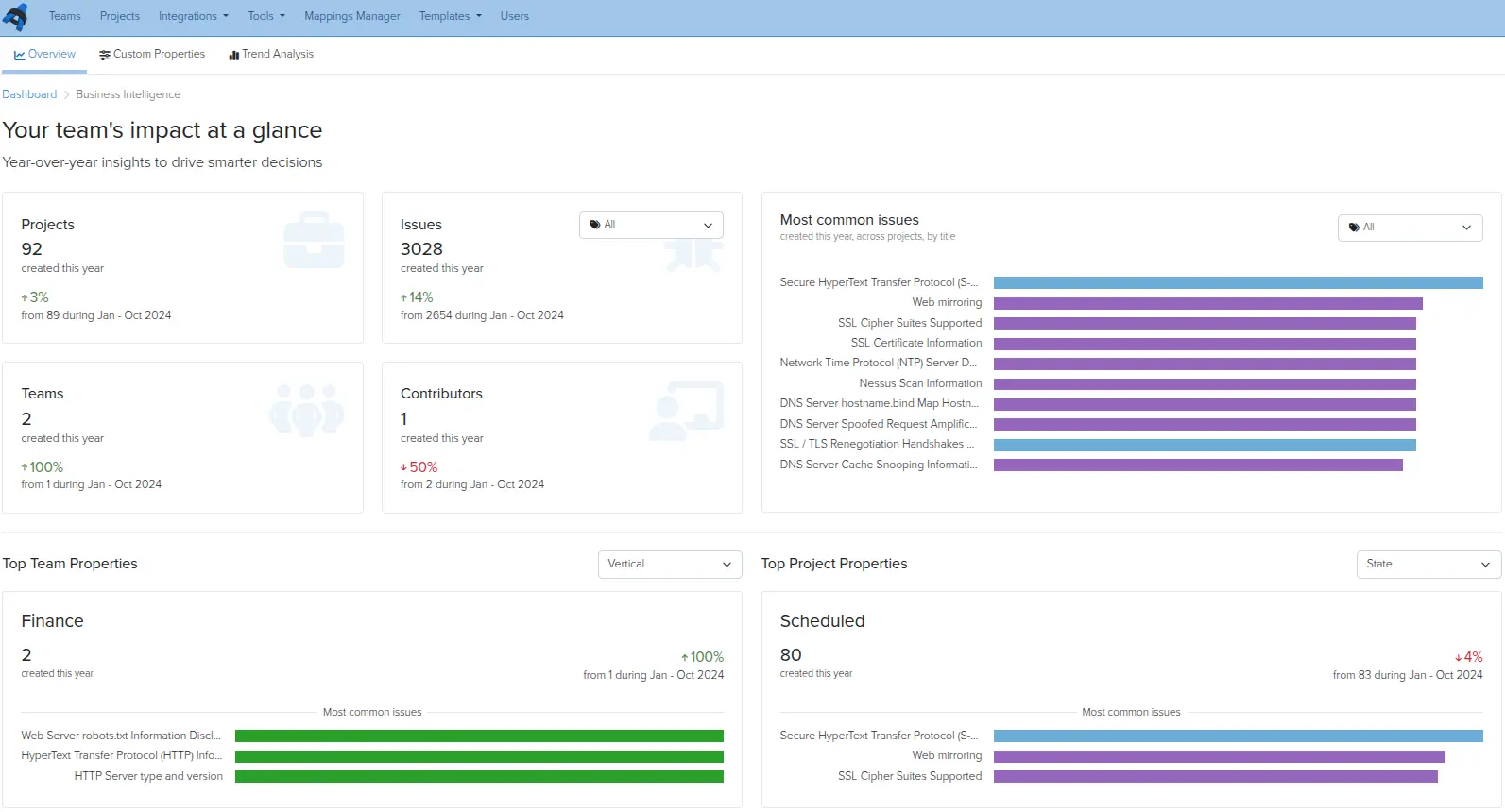
Users who do not have Admin privileges (both Authors and Contributors) can also view the BI metrics for projects to which they have been assigned.
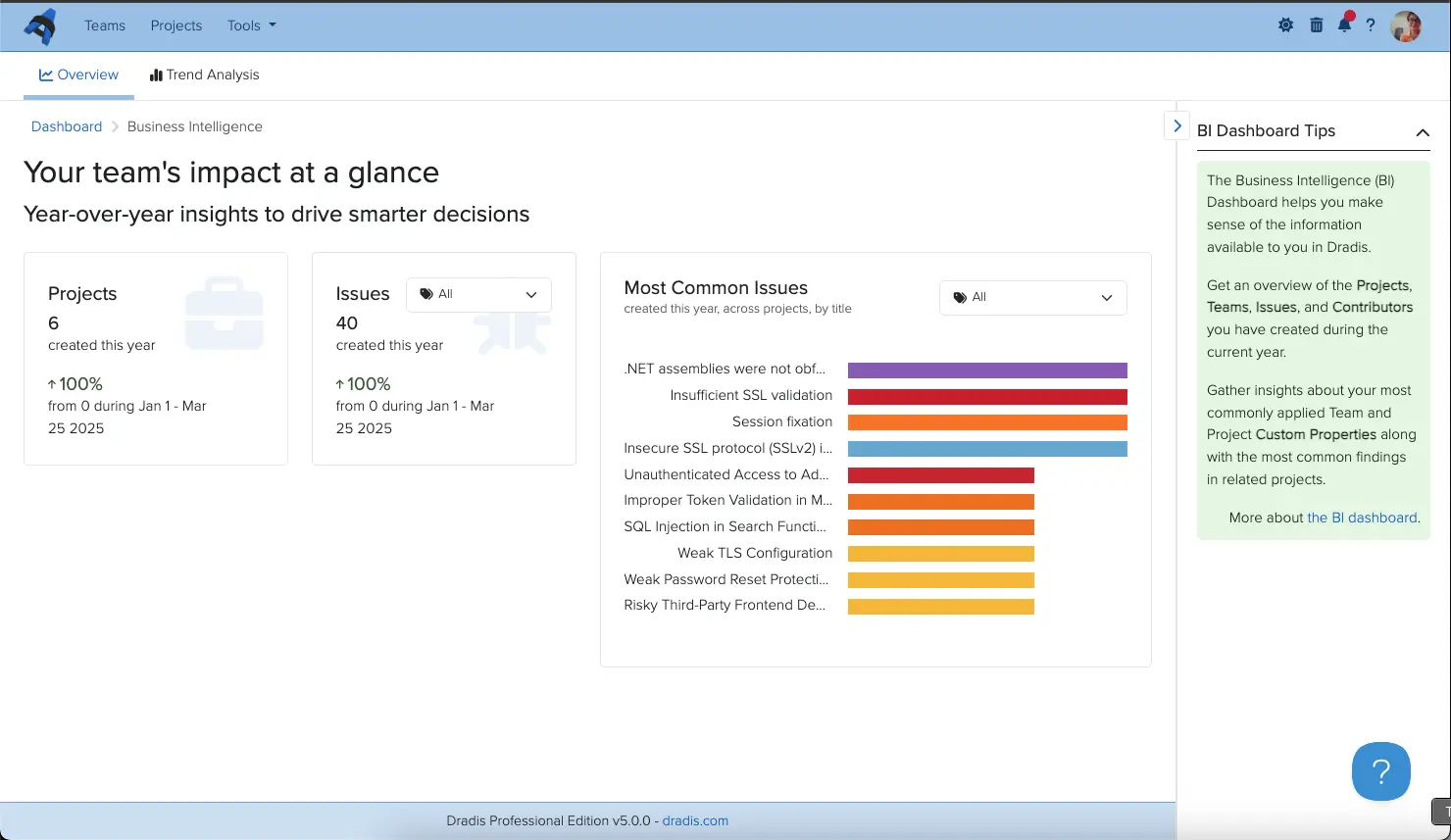
Users also have access to Trend Analysis for comparing projects.
Next help article: Custom Team Properties →