Gateway Rendering
Gateway’s themed HTML reports are no longer limited to the Results Portal. With Dradis Pro v5.3, you can generate them directly from your project.
Please refer to the following articles on how to work with Gateway Themes:
Head to the Export tab, select HTML / PDF, and choose the Gateway theme you want to use. Dradis generates the same themed HTML output available through Gateway, ready to view in your browser or print to PDF — alongside your existing Word, Excel, and CSV export options.
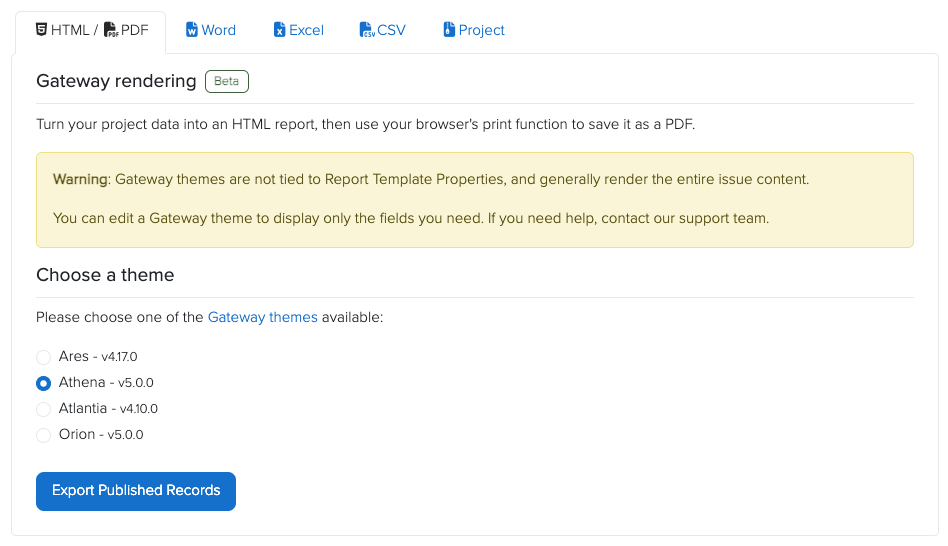
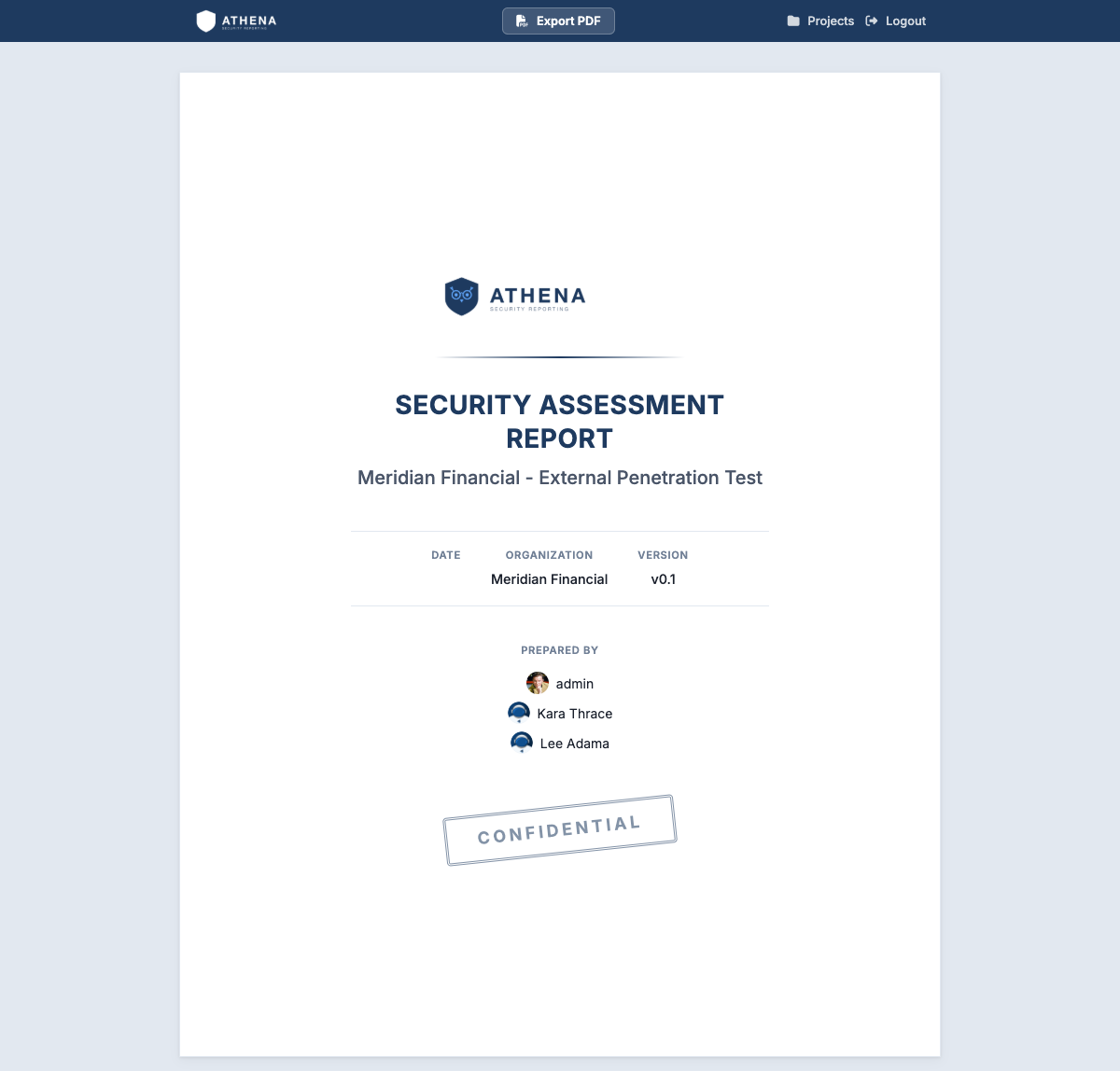
For PDF reports, we recommend the Athena theme. It was designed with printable reports in mind: the browser view resembles the finished report, while print-specific styles remove interactive elements such as the comment box when you save or print it as a PDF. Click the "Export PDF" button at the very top to covert your HTML report to a PDF file.
Warning: Gateway themes are not tied to Report Template Properties, and generally render the entire Issue content.
You can edit a Gateway theme to display only the fields you need. If you need help, contact our Support team.
Great job, you reached the end of the guide! Have you read all of them?