Register for the Dradis portal
The Dradis User Portal is the place you'll find the license details you'll need while walking through the steps to activate your Dradis instance.
After you're up and running, you can return to the portal for details on different configuration options as you start customizing your setup.
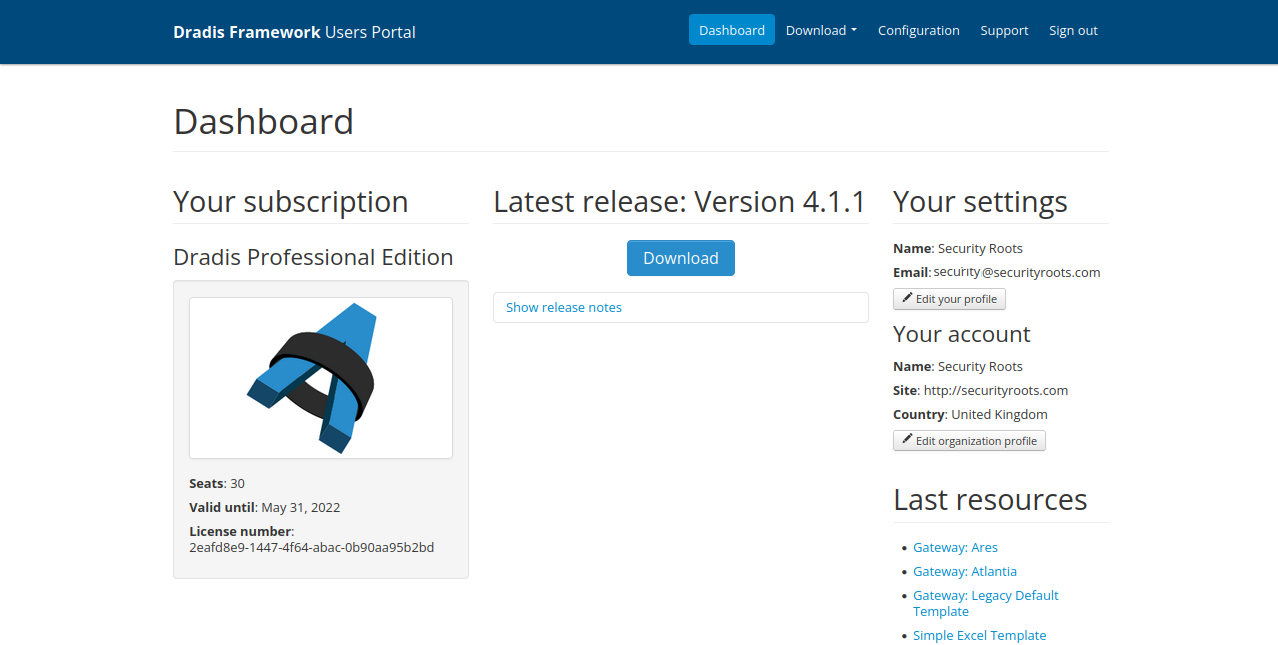
To register for the Dradis user portal:
- Click the link provided to you via email and create a password. You're now registered and ready to proceed!
Troubleshooting this step: Don't see the portal invite? If it's not in your inbox or spam folders, reach out to our support team so that we can re-send a link to create your portal account.
Next help article: Load and run the Docker container →