Cut reporting time in half with Dradis Pro
Generate custom-branded reports that look hand-crafted with one click. The most advanced reporting engine in the industry.
Includes custom reports, unlimited projects, training & support
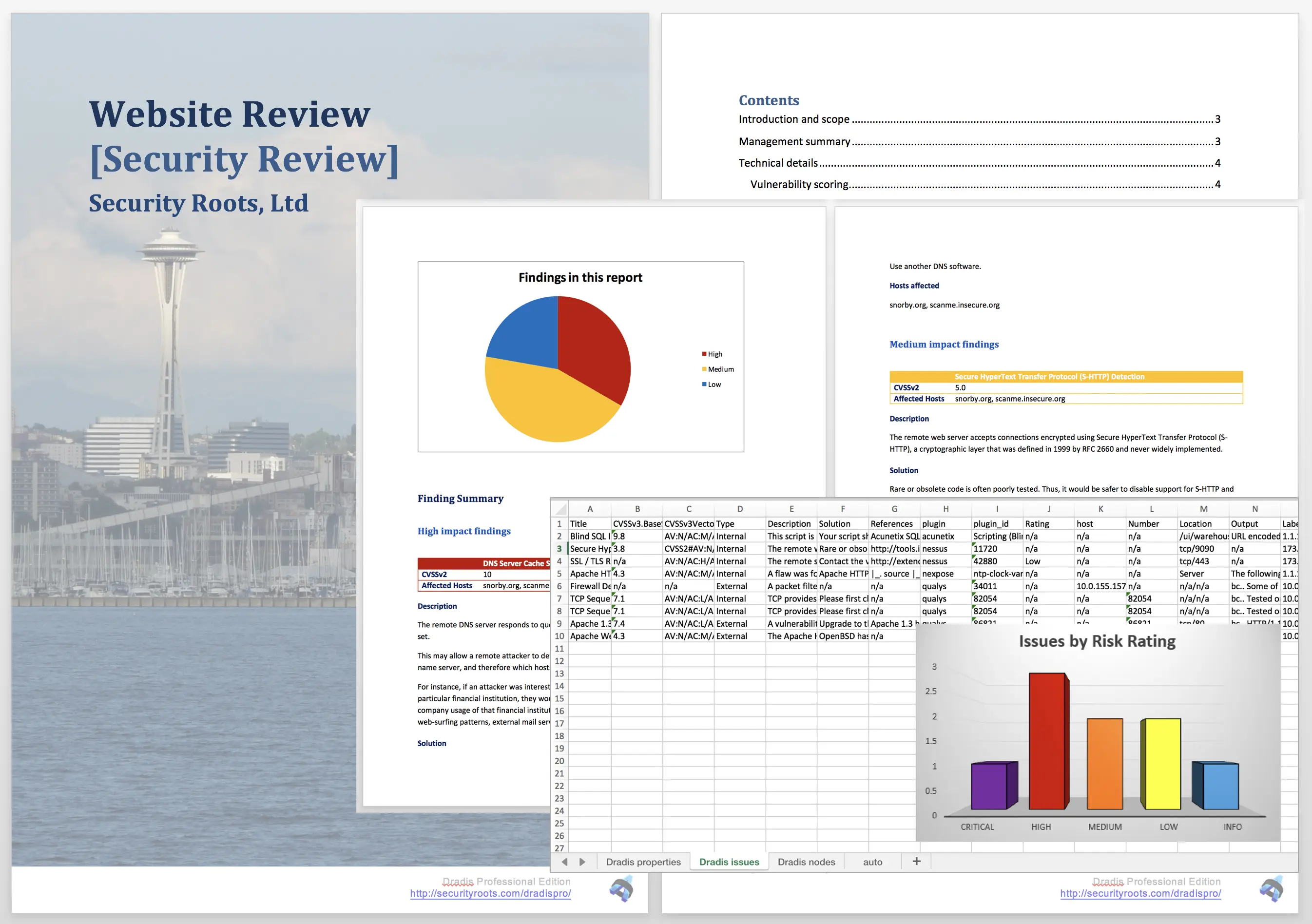
Generate custom-branded reports that look hand-crafted with one click. The most advanced reporting engine in the industry.
Includes custom reports, unlimited projects, training & support
Buy Pro Now or book a 15-minute discovery call
We've helped 1,171 security teams with their reporting templates over 19 years


Dradis CE has basic text export. Pro adds fully customizable Word reports with your branding, styles, and automated content assembly. Both are self-hosted and offline-capable.
Generate professional reports that look hand-crafted in one click. The same reports you create today, automated.
Reports that look hand-crafted, generated with the click of a button. Cut reporting time in half.
Your logo, colors, fonts, and styles. Rich text formatting with screenshots, code snippets, charts, and more.
Seamlessly merge output from Burp, Nessus, Metasploit, Nmap, Qualys, and more into one deliverable.
Create different templates for PCI, ASV, VA, pentest, webapp assessments - whatever you need.
Design your report template once, then generate professional reports with one click—complete with your branding and automated content assembly.
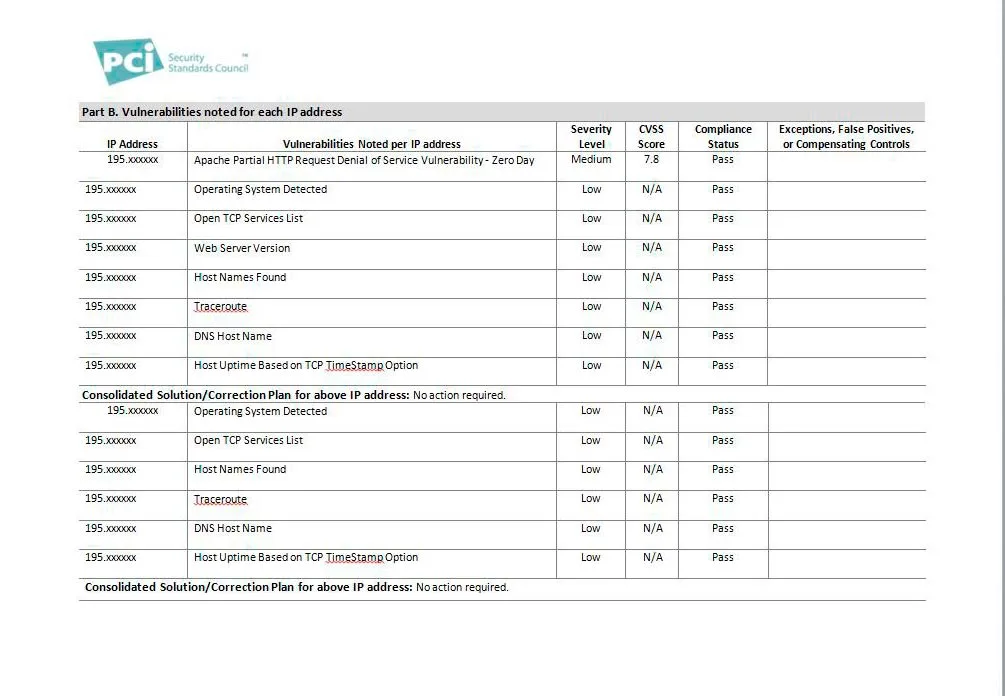
Send us a sample report and we'll convert it to a Dradis Pro template. Get the exact reports you create today, but automated.
We've converted 1,171+ templates for teams worldwide. Your reports, automated.
CE has basic text export. Pro adds fully customizable Word reports with automated content assembly and custom branding.
| Feature | CE (Free) | Pro Assess | Pro Remediate |
|---|---|---|---|
| Basic text export | |||
| Custom Word reports | |||
| Custom branding (logo, colors, styles) | |||
| Free template conversion service | |||
| Multiple report templates | |||
| Rich text formatting (screenshots, code, charts) | |||
| Issue Library (60+ entries) | |||
| Multiple projects | |||
| JIRA/Azure/ServiceNow integrations |
Yes. Export your project from CE as a Package, then import it into Pro. Your findings and notes transfer completely, ready for professional reporting.
Yes, absolutely free. Send us a sample report and we'll convert it to a Dradis Pro template. You get the exact reports you create today, but automated.
Pro Assess includes custom reports, free template conversion, unlimited projects, and email support. Full pricing info here
Reports are generated as Microsoft Word, Excel, PDF, and can be published to a live results portal. You maintain full control to make final edits before delivery to clients.
View full feature comparison or learn more about report automation
If Dradis doesn't meet your expectations for any reason, simply let us know and we'll refund you in full. No questions asked.
No risk. No questions asked. Full refund if you're not completely satisfied.
Request a 15-Minute Discovery CallJoin 1,171 security teams generating professional reports in one click with Dradis Pro.
Book a 15-minute discovery call to find the right solution for your workflow
We've helped 1,171 security teams with their reporting templates over 19 years
Here's what teams using Dradis say

"Creating reports with Dradis Pro saves us up to 4 hours per project compared to using Word manually."
Case Study: see the real results Include is getting in this short case study .

“In our rather complex report, we do things differently, adding a challenge. But the challenge was accepted and it works out great. Today, 90% of our reporting process has been automated.”
Your email is kept private. We don't do the spam thing.