Dradis CE is a collaboration and reporting platform. Security teams use it to import findings from Burp, Nessus, Nmap and 47 other tools, then generate reports in one click. Without sending data to any external service.
Battle-tested over 19 years, with active community support.
Loading form...


Evaluating options? See how Dradis compares to other pentest report generators.
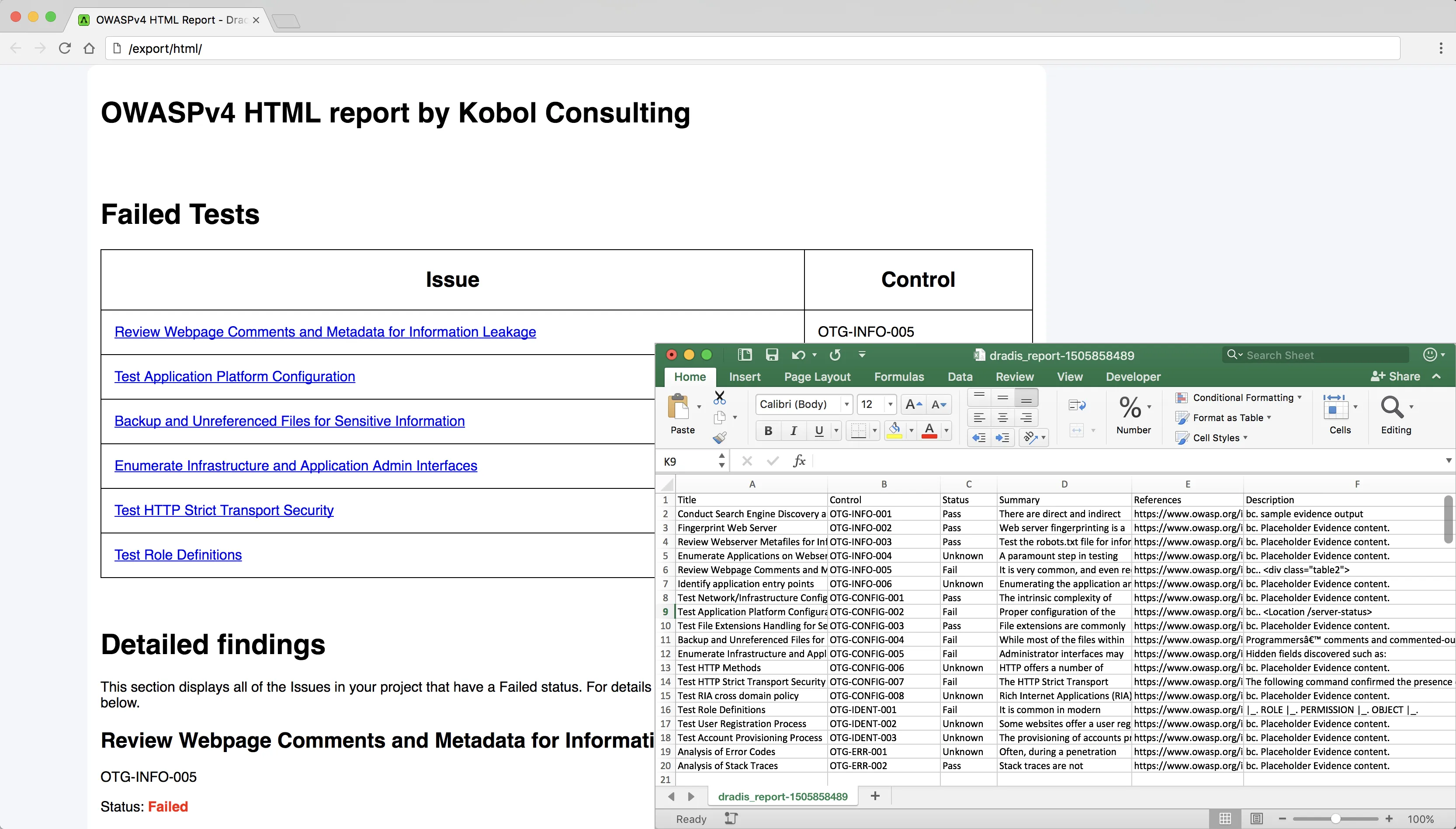
Combine the output of your favourite security scanning tools, manual findings, and notes to generate consistent HTML, PDF, or CSV reports in a fraction of the time of writing them manually.
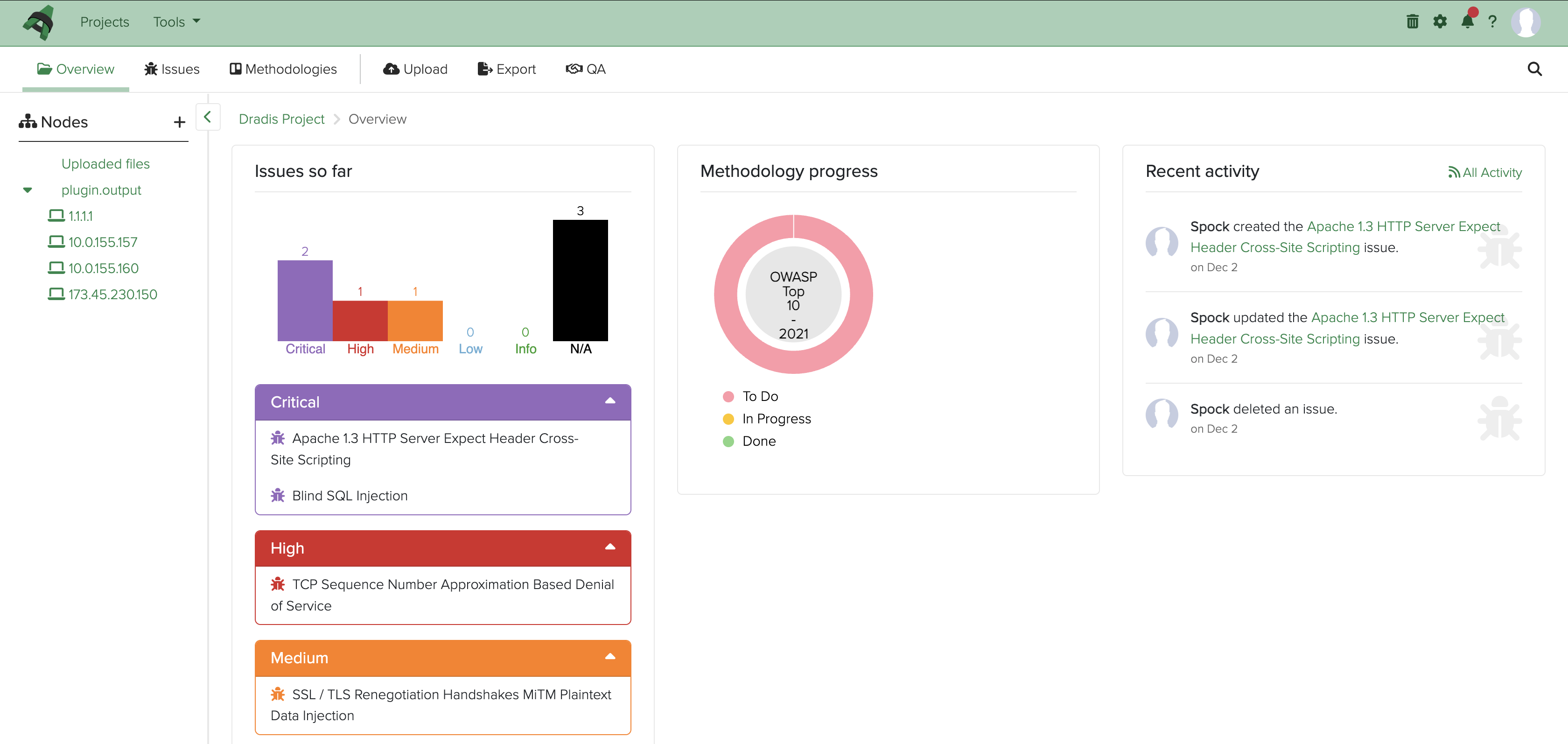
Track the progress of your project, split tasks, and comment on findings with other team members. Centralized project details keeps everyone on the same page.
Import findings from Burp, Nessus, Nmap, Qualys, and more. And if we don't have an integration for your favorite tool, it's easy to create one!
See all integrations


Dradis CE is a platform independent web application with 19 years of daily development and an active community.
Get support from the community forum, contribute to the codebase, or extend functionality - no vendor restrictions.
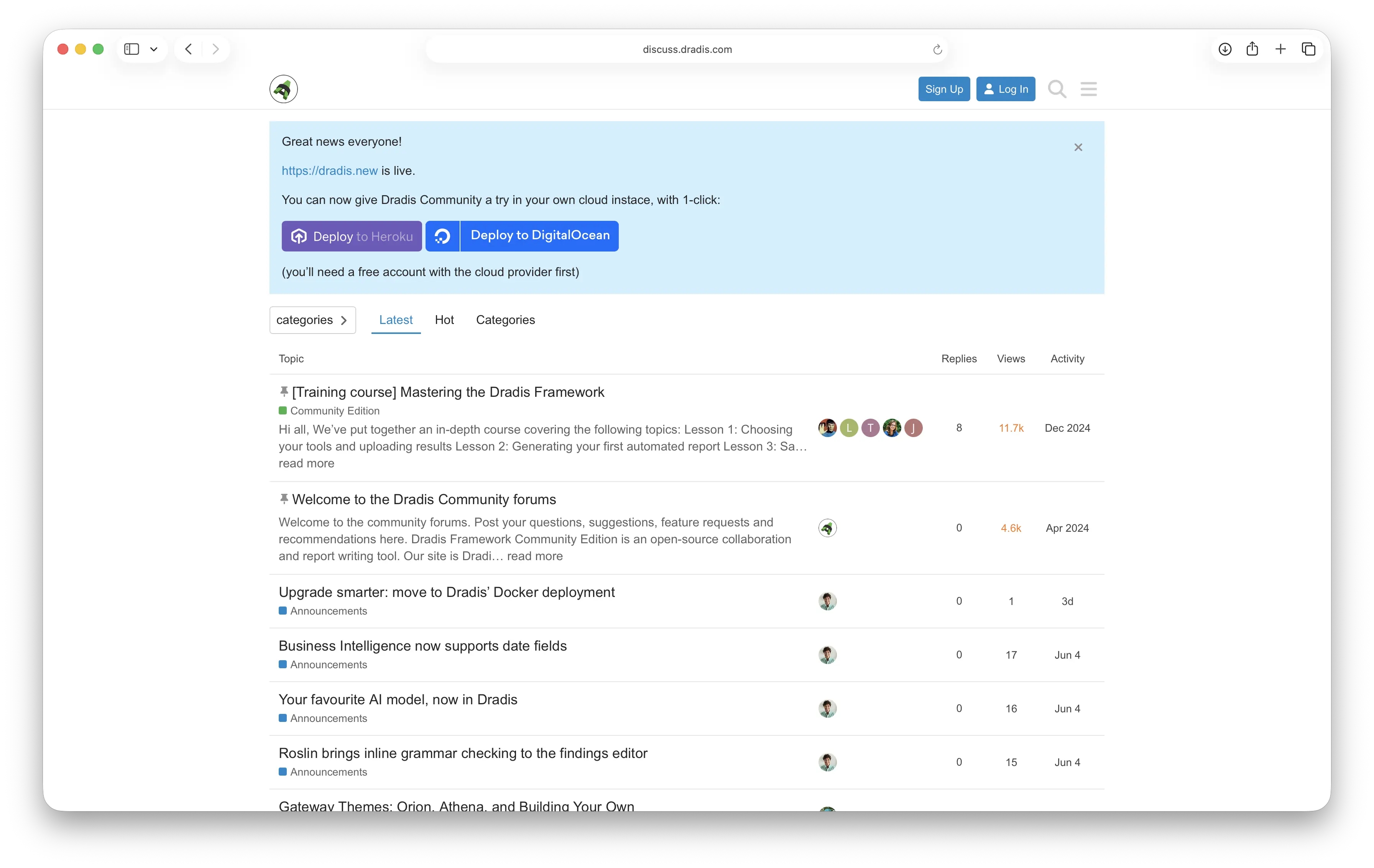
New to Dradis? Install Community Edition and follow a short email course that walks you through the key workflows so you can start saving time on real projects.
The course is free for CE users and delivered over 7 short lessons.
Test the platform risk-free with your security tools and workflows before committing to Pro. No time limits, full functionality.
Core features may be all you need. Start with CE and upgrade only if your requirements grow beyond what CE has to offer.
See how DeepBlue automated enterprise Dradis CE deployment with Docker and Kubernetes, to scale operations at zero cost

Max Duijsens
CTO & Founder
DeepBlue Security & Intelligence
We can spin up isolated environments for each client engagement while maintaining operational standards. Our private registry approach means we apply security patches once and they automatically propagate to all client containers."
Read the case study





Pro retains all CE benefits: open-source foundation, self-hosted deployment, and data ownership, plus:
Loading form...
Dradis Community Edition is released under the GPLv2 license. This means it's "Free software" that respects users' freedom and community.
Roughly, you have the freedom to run, copy, distribute, study, change and improve the software. "Free" here refers to liberty, not price—think "free speech," not "free beer."
Dradis CE is both "Free software" (freedom-respecting) and gratis (no cost).
You can find the source code on GitHub: /dradis/dradis-ce
You'll need a Ruby environment to run Dradis CE.
No dedicated IT staff required - standard system administration skills are sufficient. Full installation documentation is available in our CE documentation.
Don't worry - help is available! Please head to the Community Forums and describe what went wrong.
There are plenty of experienced users ready to help. You can also join our Slack channel for real-time assistance.
When asking for help, include:
Consider upgrading to Dradis Pro when you need:
Pro retains all CE benefits (open-source foundation, self-hosted deployment, data ownership) and adds professional features. Compare editions
Yes. Dradis Pro is built on the same open-source foundation as CE and remains fully self-hosted:
The difference between CE and Pro is features and support, not architecture. Pro adds advanced workflows, client portals, and priority support while maintaining the same self-hosted, open-source principles.
Self hosted gives you complete control:
You don't have to trust a third party to keep your data safe. Strict data residency requirements? Dradis is the answer.
Dradis CE is community-supported with active channels:
Need dedicated support? Dradis Pro includes onboarding and ongoing support directly from our team.
Absolutely. Many Pro customers start with CE to validate that Dradis fits their workflows and integrates with their existing tools.
Benefits of evaluating with CE:
CE includes basic reports, you can work on one project at a time and generate reports in standard formats.
CE limitations:
For full customization, upgrade to Pro:
Many teams start with CE for evaluation, then upgrade to Pro when they need multi-project management and custom branded reports. Compare editions
Remediate |
Assess |
Community |
|
|---|---|---|---|
| Core Features | |||
| One-click reports | |||
| Custom branded reports | |||
| Team collaboration | |||
| Testing methodologies | |||
| Risk calculators | |||
| Work with multiple projects | |||
| 47+ tool connectors | |||
| Assessment Tools | |||
| Business Intelligence | |||
| Issue Library (with 60+ entries) | |||
| Project Scheduler | |||
| Quality Assurance (QA) | |||
| Results Portal | |||
| Gateway: Self-hosted Results Portal | |||
| Contributor questionnaires | |||
| White-labeled experience | |||
| Built-in Remediation Tracker | |||
| Remediation Tools | |||
| JIRA integration | |||
| Azure DevOps integration | |||
| ServiceNow integration | |||
| Built-in Remediation Tracker | |||
| Intelligent Automation | |||
| Echo: Context Engine | |||
| Dynamic content and calculated fields | |||
| Mappings Manager | |||
| REST API | |||
| Rules Engine | |||
| Scripting | |||
| Webhooks | |||
| Authentication and Identity | |||
| MFA with Duo Security | |||
| MFA with OTP | |||
| Support | |||
| Self-service Support Center | |||
| Concierge reporting service | |||
| Email and Live Chat | |||
| Onboarding + Training | |||
| Screen-share Troubleshooting | 1 session/month | 1 session/month | |
Loading form...
Your email is kept private. We don't do the spam thing.