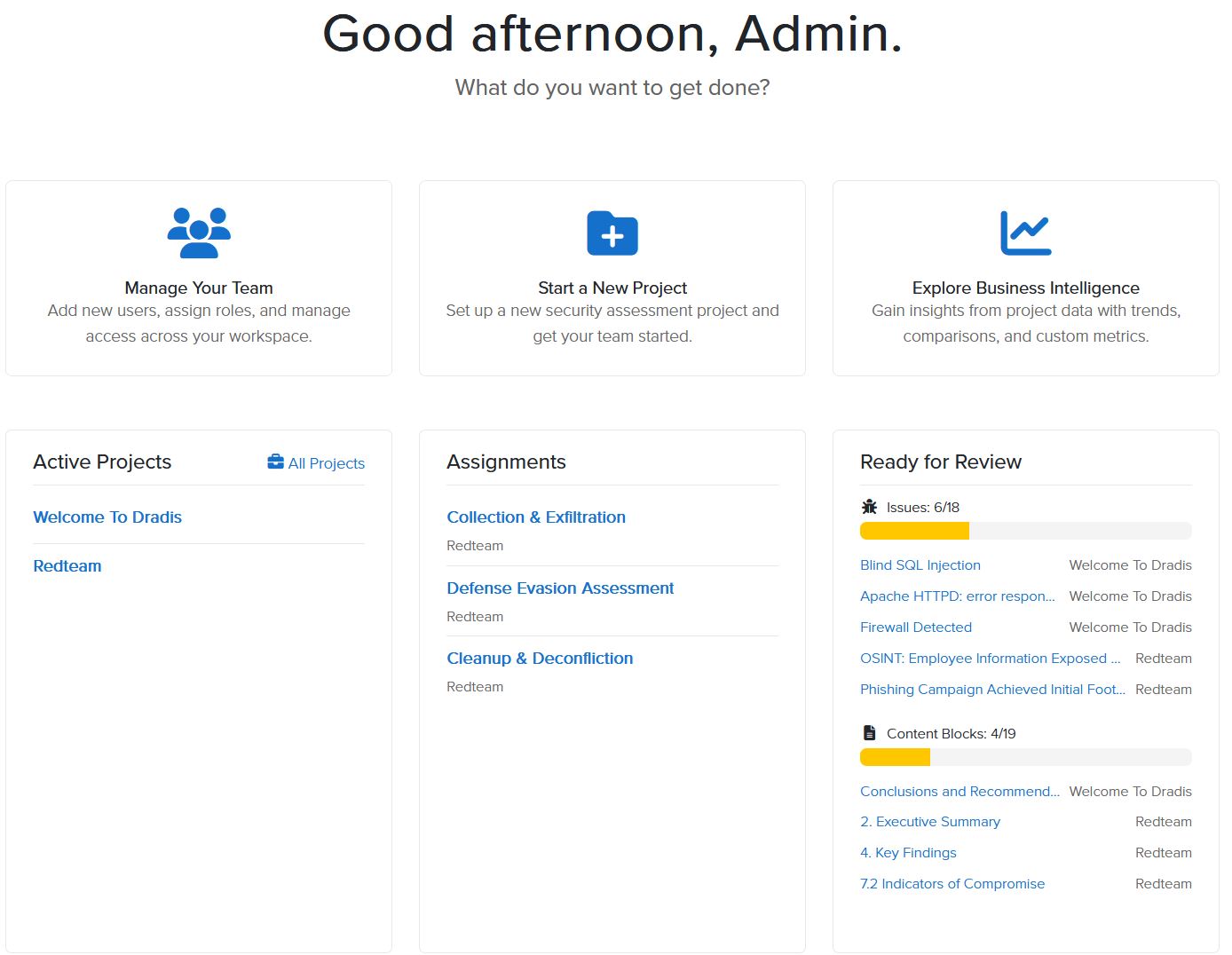
Dradis Pro v5.4 focuses faster editing and improved QA. Evidence now carries QA states so your team can track what has been reviewed; Roslin can draft report sections for Content Blocks straight from your project’s full content; and List fields render as selects, so the values you have defined for a field persist as dropdowns wherever it is edited.
Here’s what’s new!
QA for Evidence
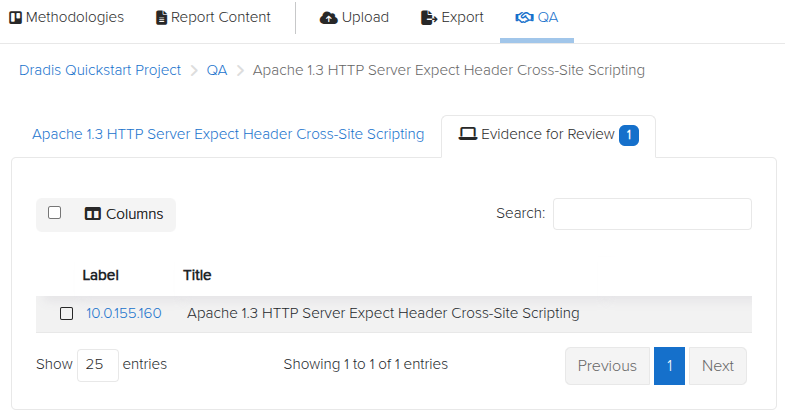
Dradis Pro v5.4 adds QA states to Evidence, so your team can track review status before a report goes out the door. Mark each piece of Evidence as it moves through review, and keep draft material out of client-facing deliverables — Excel and Word exports now only include Evidence that has been published.
To try it, open a piece of Evidence and set its QA state from the Evidence view.
Echo for Content Blocks
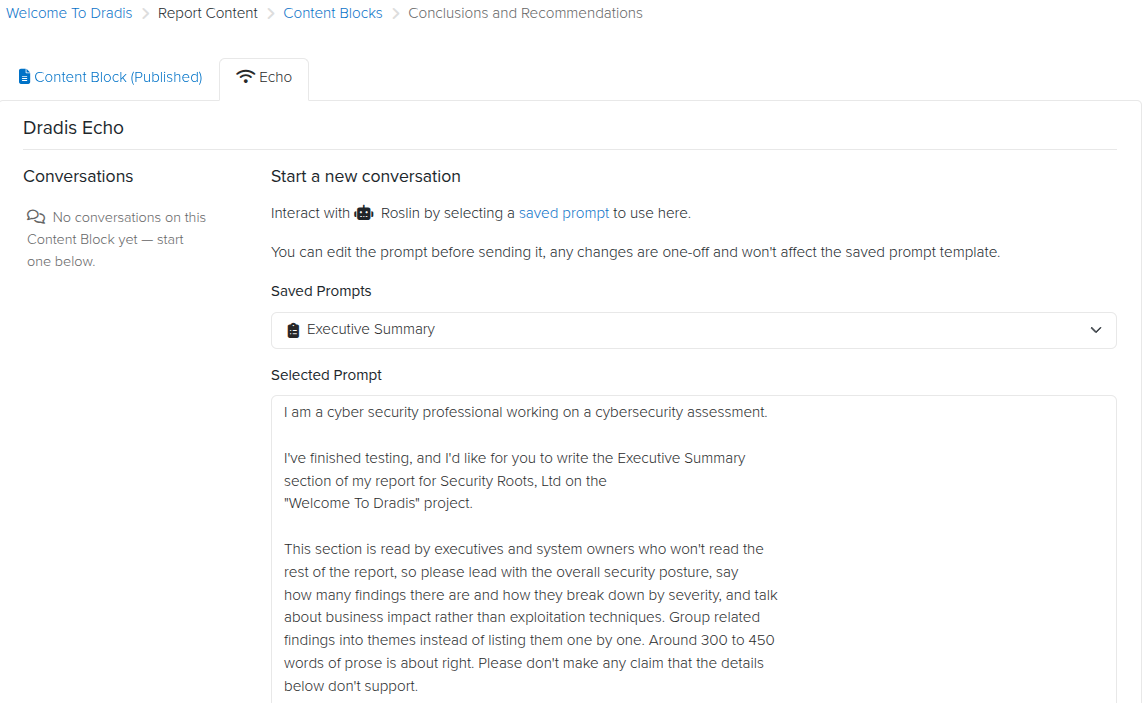
Content Blocks now have their own Roslin agent tab, so you can draft report sections without leaving the block. Ask Roslin to draft a section — an executive summary, a methodology, a scope note — and it works from the full content of your project, Issues and Evidence included, not just what is already in the block. This makes it easier to keep recurring report sections current without writing them from scratch every time.
To try it, open a Content Block, head to the Roslin tab, and ask it to draft the section.
List Fields as Selects
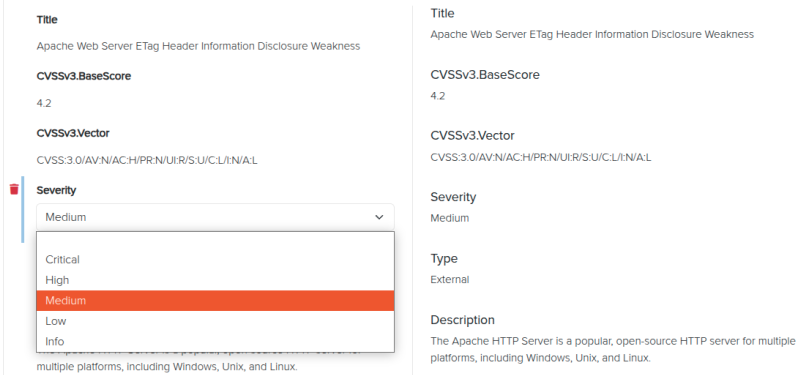
List fields now render as selects when editing existing Issues, Evidence, and Content blocks. Instead of retyping a value or copying it from elsewhere, you pick from the same list of options every time – so the values you have defined for a field actually persist across the project instead of drifting between records.
To try it, open any existing Issue, Evidence, or Content block with a List field and edit it – the field now presents as a dropdown.
Release Notes
- Echo: add a Roslin agent tab to Content blocks, to draft report sections from the full project content
- Editor: render List fields as selects when editing existing Issues, Evidence, and Content blocks
- Issues: warn user if another user is currently editing the record
- QA: Add QA states to evidence
- Webhooks: Add Evidence, Node and Note CRUD events
- Upgraded gems:
- mail, rubyzip
- Bug fixes:
- BI: send Results Portal contributors to their portal home instead of logging them out when they click the Dashboard breadcrumb
- Word: fix screenshots exporting with border when the width is set to 0px
- Integration enhancements:
- DevOps:
- Add support for numeric (integer and double) Work Item fields.
- Add support for required fields
- Jira:
- Add support for float custom fields when sending issues to JIRA
- Add support for multiselect custom fields when sending an issue to Jira
- DevOps:
- Reporting enhancements:
- Exports: only include published evidence in Excel and Word reports
Not using Dradis Pro?
- Automated pentest reporting tool: the cybersecurity reports you’re used to, generated in a fraction of the time
- Combine the output from 20+ different tools into a single report.
- Deliver consistent results. Never forget any steps; always know what has been covered and what is still ahead.
- Pentesting collaboration: all information is available across the team.